When I first started using Nano Banana Pro for AI image creation, I stuck to the usual user interface settings, like most creators. The results were decent but felt a bit generic—standard medium shots with random background blur. Then, while digging through the API documentation, I stumbled upon something that changed how I approach AI-generated portraits entirely: hidden camera controls.
These controls aren’t in the main UI but can be accessed through JSON input mode. Suddenly, I could set the lens_focal_length and f_stop with mathematical precision. For my first test, I set the focal length to 85mm and aperture to f/1.2. The difference was striking. Instead of a random blur, the bokeh effect was physically accurate, calculating depth based on subject distance rather than just slapping a generic background blur.
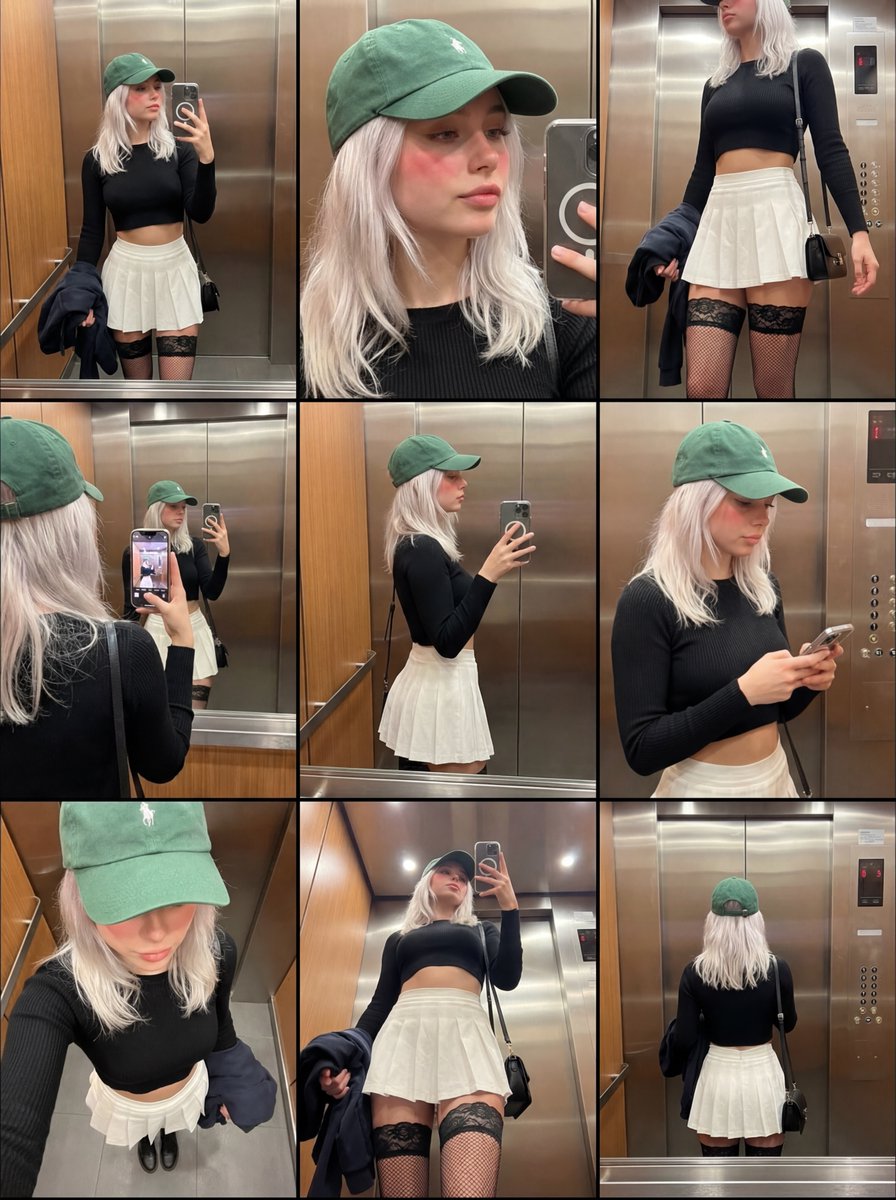
This change dramatically altered the facial compression in my portraits. Using an 85mm lens flattens and compresses the face subtly, a trick photographers and artists have long used to create flattering, cinematic images. In contrast, the 35mm lens made the face look wider and less refined—something I hadn’t realized before because typical AI prompts don’t consider optics.
It’s fascinating how most AI image creators overlook this level of control, sticking with default medium shots and ignoring the power of optics. If you want your AI generations to feel truly cinematic and professional, you need to think beyond words and start thinking about how lenses shape images.
Incorporating these hidden controls into my workflow has been a game-changer. It’s like unlocking a manual mode for AI image generation, where you can guide the AI not just by descriptive language but by the physics behind photography. For creators who want to push their visuals further, exploring these parameters is a must.
You can find the full prompt here: ✨Prompt✨
Why This Matters for AI Creators
Understanding lens focal length and aperture isn’t just for photographers—it’s a secret weapon for anyone working with AI image generation. Adjusting these parameters means better control over depth, perspective, and the overall mood of the image. It’s a subtle but powerful way to elevate your creations from flat snapshots to immersive portraits.
For those looking to experiment, try tweaking the focal length in your JSON input to see how it affects face shape and background compression. Then adjust the aperture to refine the bokeh quality. These tweaks aren’t always obvious in default UI settings, but they make a huge difference in final image quality.
If you’re curious about exploring this further, check out resources on AI image generator techniques and image generation tips. There’s a whole world of prompt adjustments waiting to be discovered beyond just text descriptions.