When I first tried creating product photography featuring tiny construction workers using FLUX.2 in Firefly, I wasn’t sure how it would turn out. The idea of combining industrial charm with a playful behind-the-scenes concept intrigued me, and I wanted to see how this narrative-driven approach could elevate my visuals.
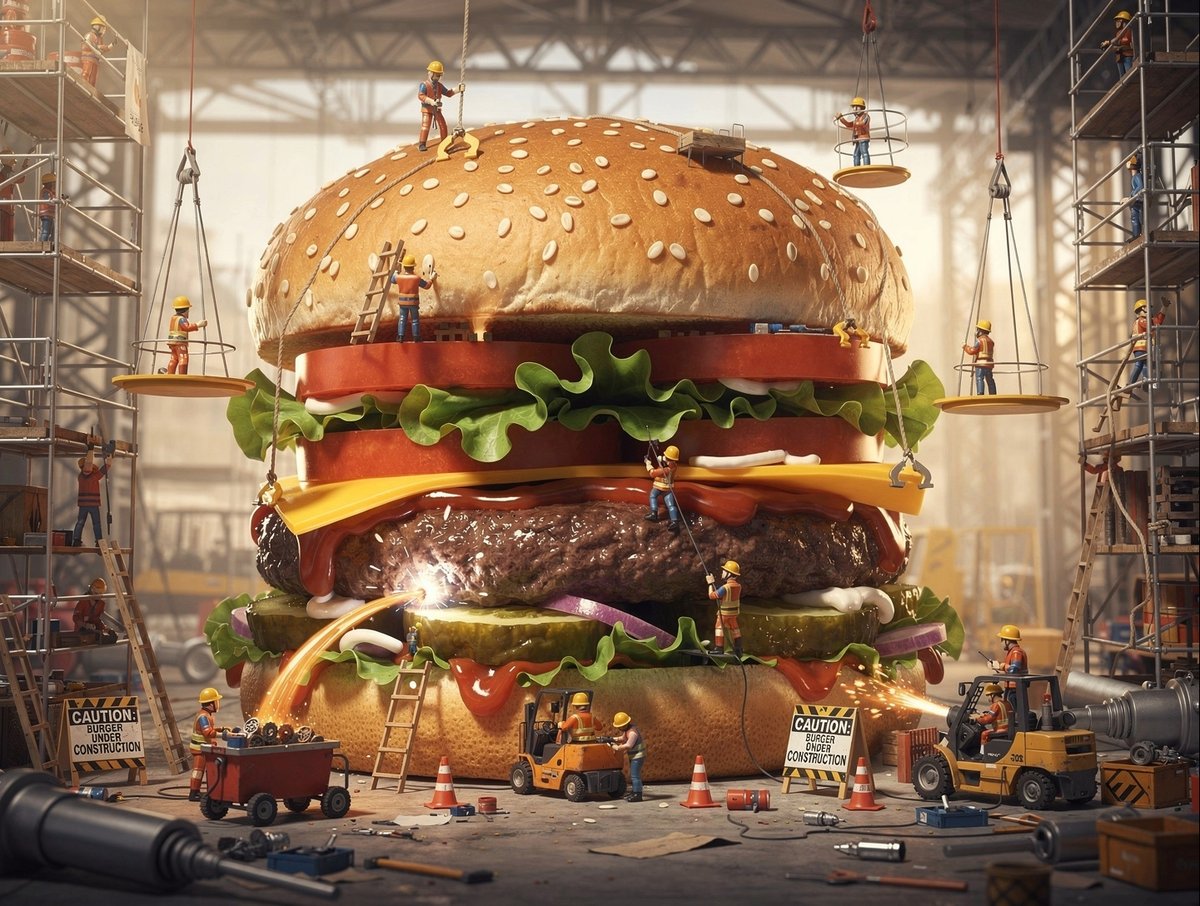


The magic lies in the details: miniature cranes, scaffolding, and tiny workers all bustling around the product as if it’s a massive construction site. This setup brings a sense of team effort and progress, making the product feel alive and part of a bigger story. Instead of a static image, I got a dynamic scene that feels both industrial and whimsical.
What surprised me most was how this approach shifts the viewer’s perspective. Instead of just admiring the product, you start imagining the work and dedication behind it. It’s like a visual metaphor for craftsmanship and collaboration, which adds emotional depth to the shot.
Adjusting the AI prompt was key: emphasizing "work in progress narrative" and "playful behind-scenes concept" helped guide the image generation to focus on the teamwork and tiny construction elements. However, it’s easy to get lost in too many details, so balancing complexity with clarity was crucial. I found that simplifying the scene just enough kept the focus on the product while still telling the story.
If you’re experimenting with text to image generation, especially for product photography, consider adding narrative layers like this. It’s a fresh way to create compelling visuals that resonate emotionally and visually.
You can find the full prompt here: ✨Prompt✨
For those diving into image generation, exploring prompts by style or use case can unlock new creative directions. This particular prompt by use case helped me see product photography through a new lens, blending industrial grit with playful charm.
For more inspiration and tools, check out the AI image generator and AI art creator resources to refine your prompt adjustments and avoid common prompt mistakes.