When I first decided to visualize Prague’s weather through AI image generation, I wanted something that would go beyond the usual flat icons or generic cityscapes. The idea was to create a charming, detailed miniature 3D cartoon scene that captures the essence of the city — its iconic architecture, its atmosphere, and the current weather — all in one compact, square frame.
The prompt I used focused on a 45° top-down isometric view, which offers that perfect blend of depth and clarity. It’s like looking at a tiny, magical model of Prague from above, where you can spot landmarks such as the Charles Bridge, the Old Town Square, and the towering spires of St. Vitus Cathedral. The AI rendered these with soft, refined textures and realistic PBR materials, giving the buildings a tactile feel without losing the playful cartoon style.
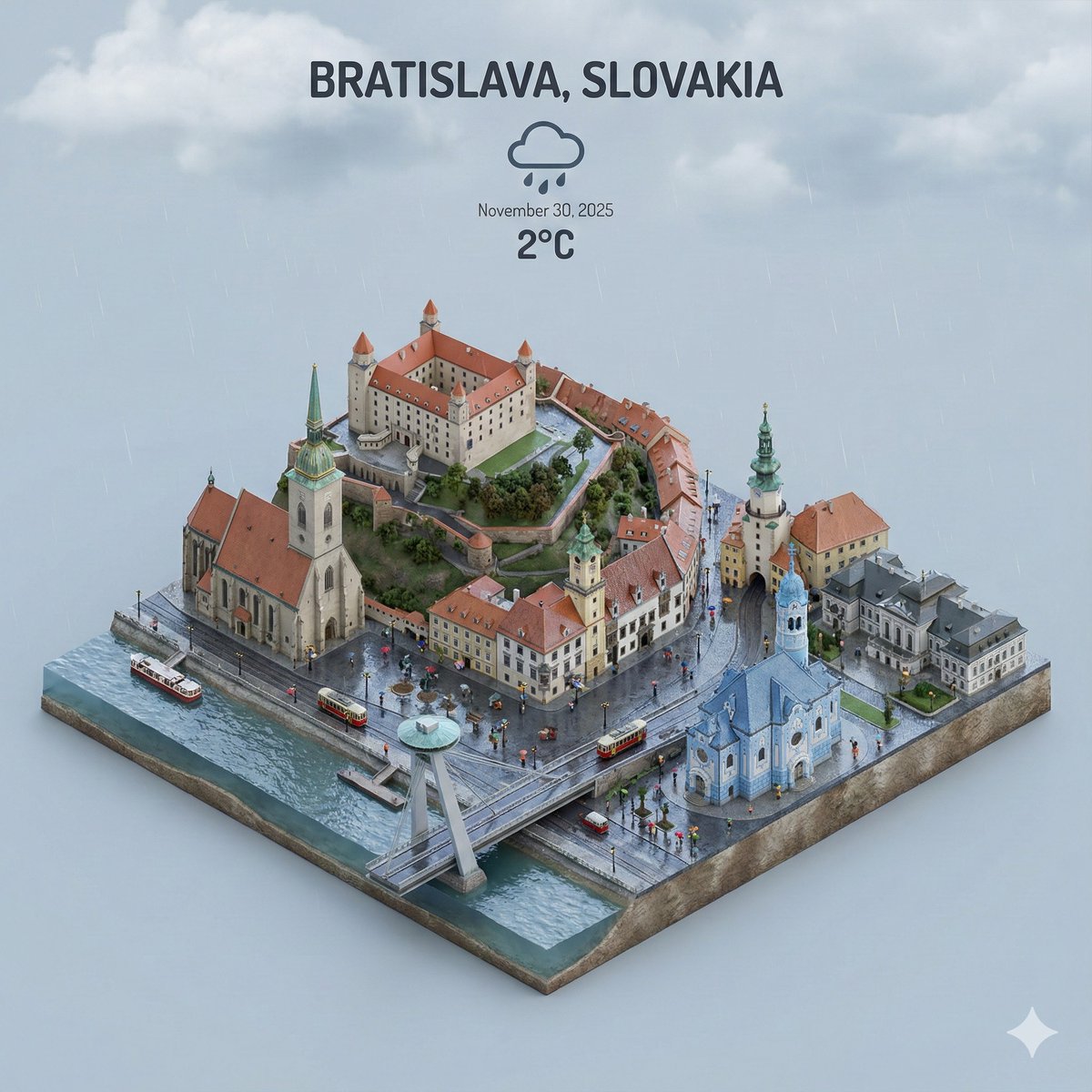
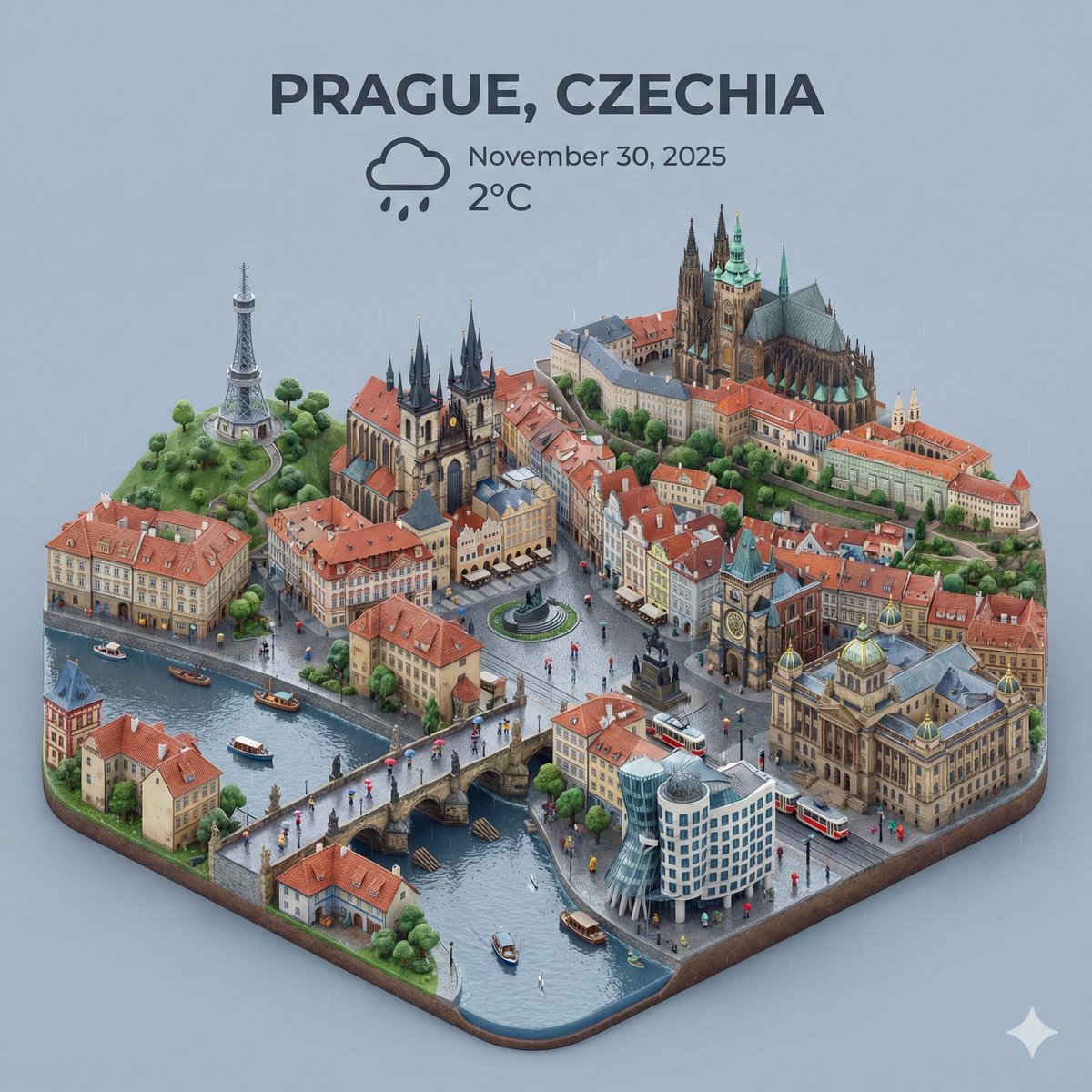
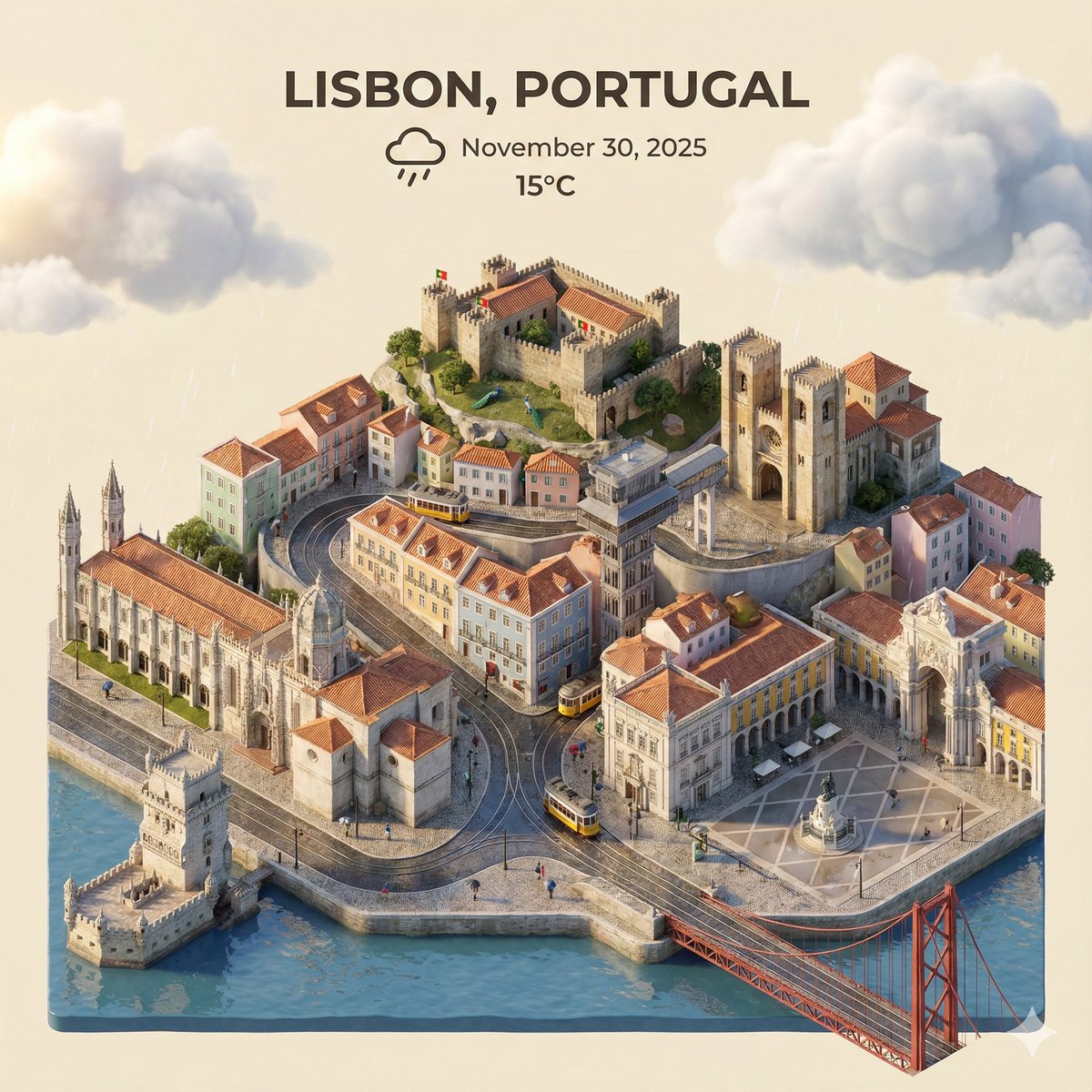
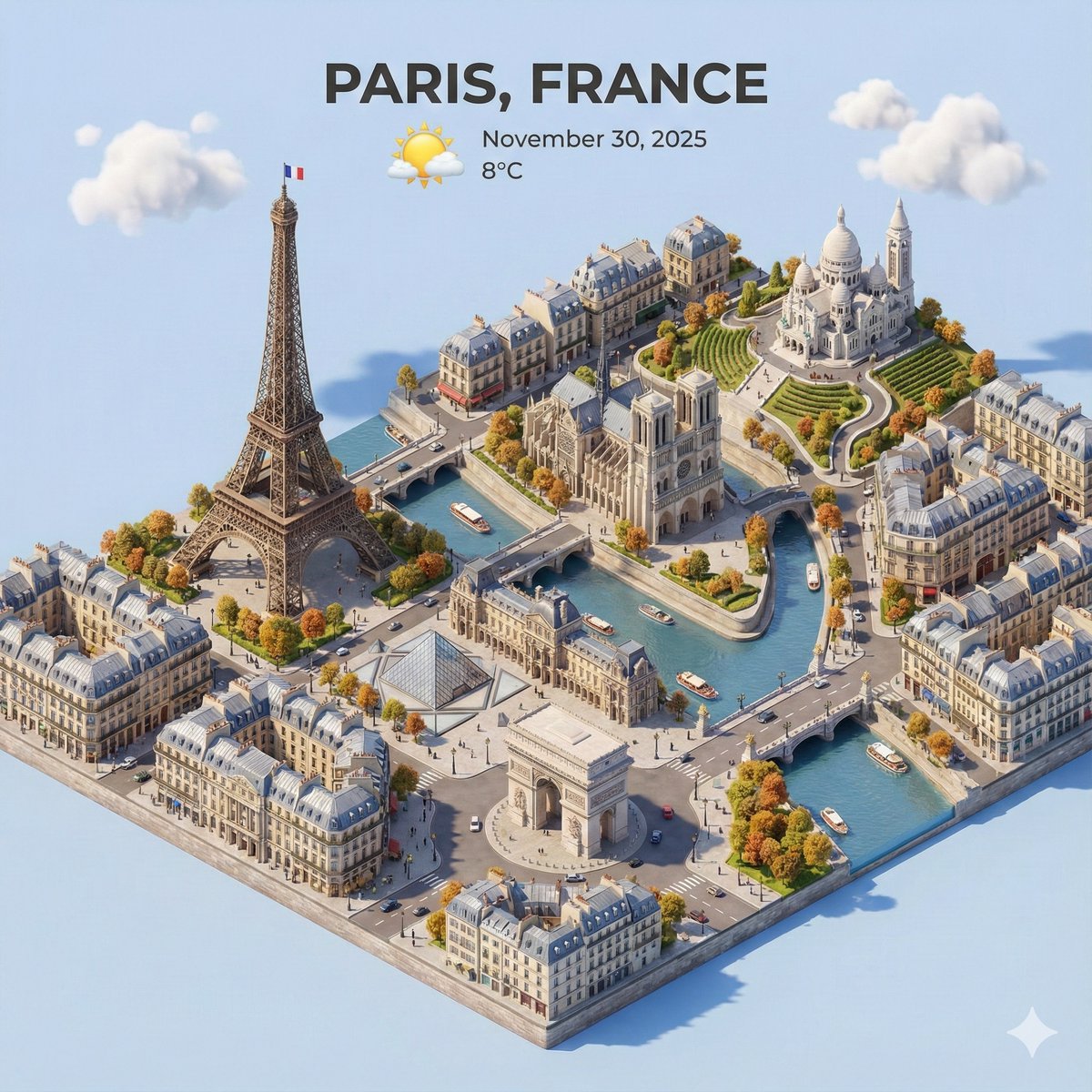
What really made this visualization stand out was how the current weather conditions were seamlessly integrated into the scene. Instead of just showing a weather icon somewhere on the screen, the environment itself reflected the mood: gentle shadows hinted at a partly cloudy sky, while subtle light effects suggested the warmth of the afternoon sun or the coolness of an overcast day. This immersion makes the weather feel alive within the city’s miniature world.
At the top-center of the image, the city name “Prague” is displayed in large, bold text, balancing perfectly with a prominent weather icon right below it. The date and temperature are placed with clean, consistent spacing, slightly overlapping the tops of the buildings for a dynamic composition without clutter. The background is a soft, solid color that keeps the focus on the detailed city model without distraction.
For anyone looking to create similar AI visuals for weather apps or city showcases, I learned a few useful tips along the way. Emphasizing a minimalistic layout helps the details breathe, and carefully adjusting the prompt to include lighting and texture details makes a huge difference in realism and mood. Avoiding overly complex backgrounds or too many overlapping elements keeps the image clean and readable.
This project was a great reminder of how powerful and expressive AI prompt crafting can be, especially when combining architectural beauty with atmospheric storytelling. If you’re experimenting with text to image generation for your projects, consider how weather and environment can be visually woven into your scenes for more engaging results.
You can find the full prompt here: ✨Prompt✨