Discovering the Power of AI for YouTube Caption Bases
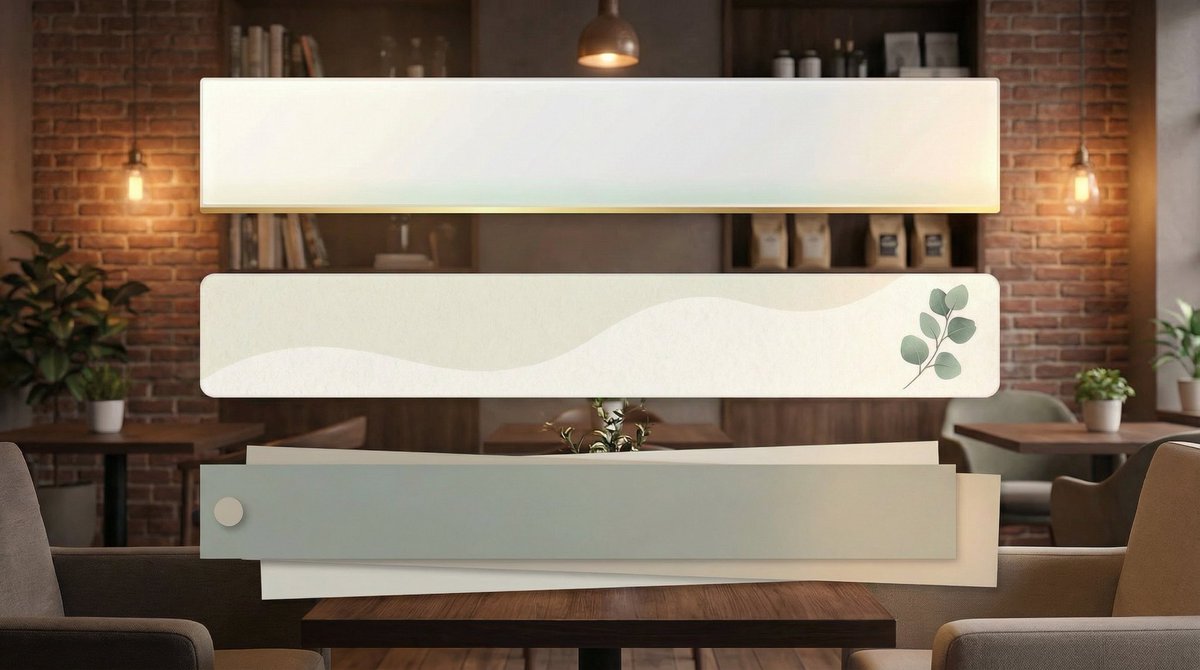
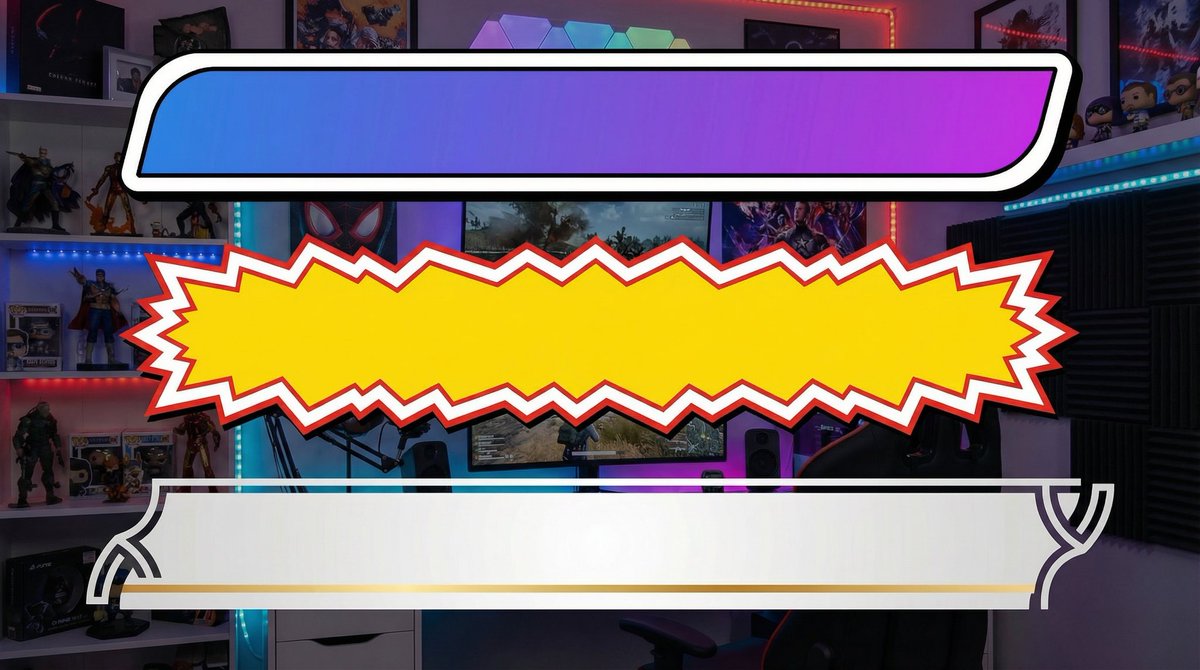
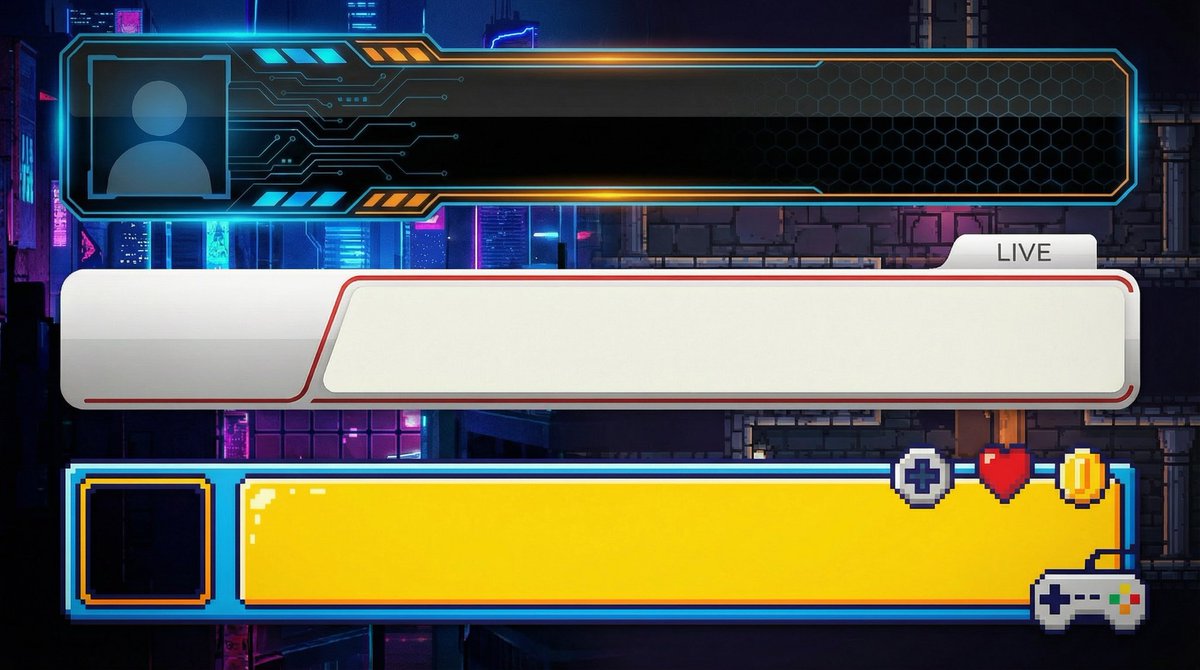
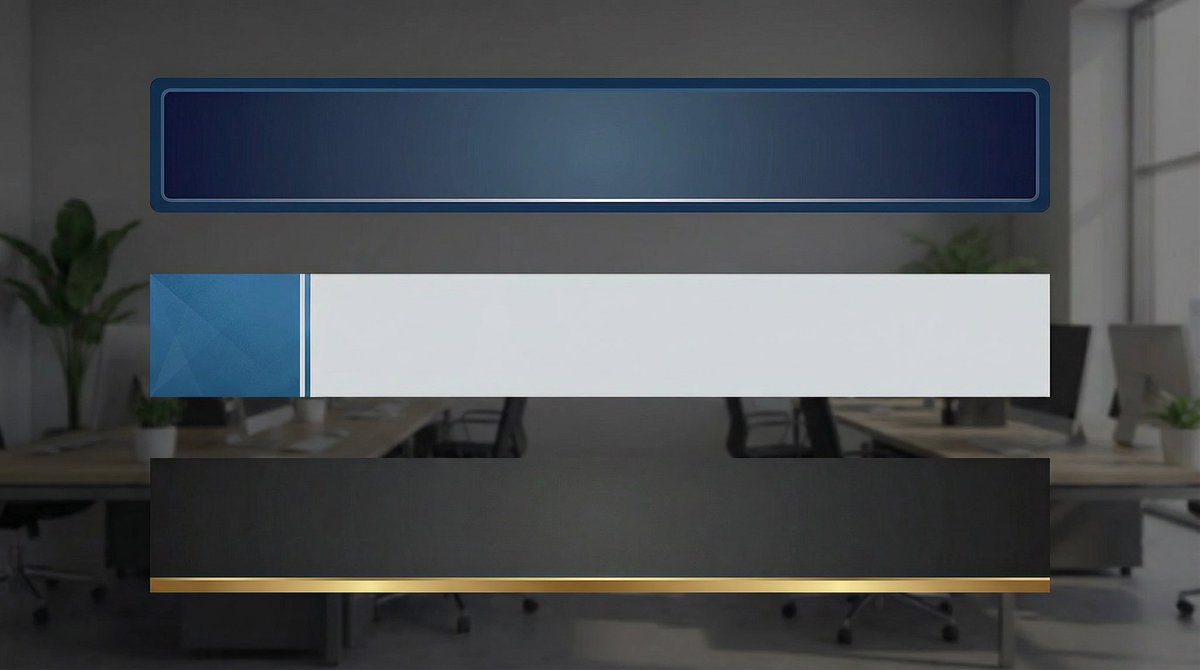
As a content creator constantly looking to streamline my video editing process, I wanted to develop a set of YouTube caption bases that fit different genres without fuss. The goal was simple: clean, professional designs that I could just copy-paste into my projects. Using AI for text to image generation, I crafted three distinct design patterns that appear vertically aligned, all adhering to a 16:9 aspect ratio and 2K resolution. This setup perfectly suits modern YouTube formats.
You can find the full prompt here: ✨Prompt✨
Designing for Different YouTube Genres
What’s exciting is how the AI helped me develop separate visual styles tailored to four key genres:
- Business: A sleek, transparent base with a solid green background for easy chroma keying, designed to convey trust and clarity.
- Game Streaming: Simple and clean, optimized for fast-paced content where the caption should never distract from gameplay.
- Entertainment: Inspired by popular Japanese YouTubers, this style balances boldness with minimalism, perfect for engaging viewers.
- Vlog & Daily Life: Calm and stylish, these bases fit effortlessly into lifestyle content, adding a subtle professional touch.
Why This Prompt Works for Me
The prompt is designed to output only the caption bases without any text, keeping them opaque and easy to overlay. The green background is a smart choice, making it straightforward to remove or replace in post-production. I appreciate that the prompt generates three vertical variations simultaneously, so I can quickly pick the one that fits my video mood best.
One thing I learned is that minor prompt adjustments can drastically change the style, making it essential to experiment a few times. But thanks to the AI’s consistency, finding the perfect design takes no time at all.
Practical Tips for Using This AI Prompt
- Keep your text separate; this prompt focuses solely on the base design.
- Use the green background for easy chroma keying in your video editor.
- Experiment with prompt tweaks if you want a different vibe, but start with the default for reliable results.
- Integrate these bases into your workflow to save hours on graphic design.
For anyone creating YouTube content, this approach to generating caption bases via AI is a game changer. It combines the power of AI image generator technology with practical video editing needs. Plus, it’s a neat example of how to use AI prompts by style and use case to get exactly what you want.
Check out more about text to image tools and how to enhance your video visuals with an AI art creator. The future of content creation is here, and prompts like these make it accessible and efficient.