My Journey to Photo-Realistic AI Images
When I first started exploring AI image generation, I was determined to create images that looked like real photos. But no matter how many prompts I typed, something was always missing. Then I discovered two game-changing steps that completely transformed my work.
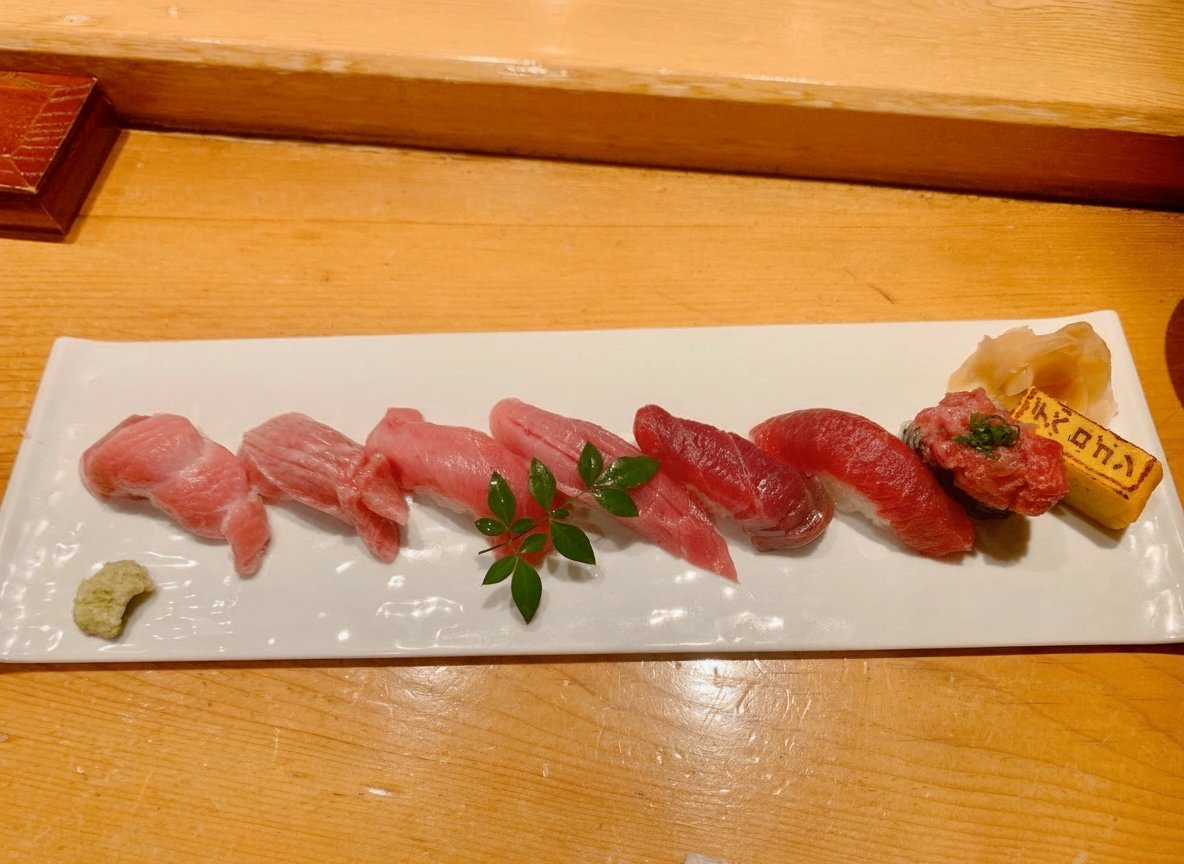
You can find the full prompt here: ✨Prompt✨
First, I realized that relying solely on text prompts was limiting. Instead, attaching reference images—whether to capture the overall vibe or provide actual elements like people or backgrounds—dramatically boosted the AI’s accuracy and realism. It makes sense: visuals speak louder than words, especially for complex scenes.
Second, I stopped writing prompts from scratch. Instead, I used advanced AI models like ChatGPT 5.1-Thinking or Gemini 3 to craft the perfect prompt based on my reference images. This approach ensured the structure was spot-on, resulting in stable, high-quality outputs that closely matched my vision.
My workflow became:
- Find or create images that represent the mood or components I want.
- Ask AI to generate a prompt tailored to those images.
- Copy and paste that prompt directly into the image generator.
The results? Stunningly realistic images that look like actual photographs, not just AI art. It felt like I’d unlocked a secret level of image generation.
For anyone diving into AI image generation, these two steps are absolute essentials. You’ll save credits and frustration while getting professional-grade visuals.
As a bonus, I’ve even developed a trick to polish these images so well that it’s nearly impossible to tell they were AI-generated. I’m using it on a platform that’s been crushing it for me—maybe I’ll share that story later!
If you want to explore more about text to image techniques or become a savvy AI art creator, bookmark this advice. It’s a solid foundation for anyone aiming for photorealism in AI visuals.