From Idea to Visual: My AI-Driven Step Diagram Process
Yesterday, someone asked me how I created the step diagram with the stairs illustration. I thought it would be helpful to share the behind-the-scenes process because it’s a bit layered but really rewarding.
First, I started with an illustration of Nagano pointing, made using Nano Banana Pro. This tool is incredible, especially now with its vastly improved Japanese text capabilities. I had already prepared a pose-specific gem image referencing the setup photo.
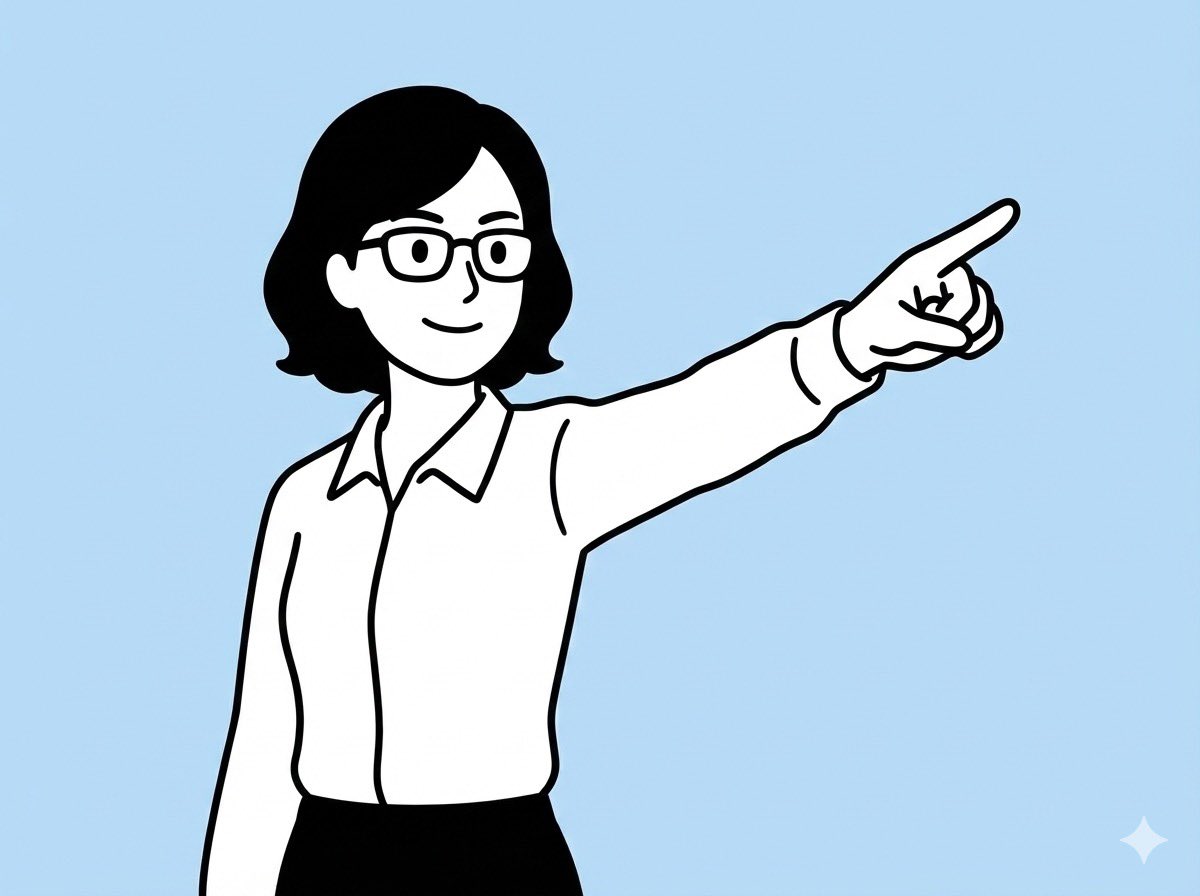


Next, I brainstormed the structure of the diagram with ChatGPT. I asked it to help me draft prompts that would communicate the composition I wanted to Nano Banana. This wall-bouncing of ideas helped clarify the visual narrative before any rendering.
Then, I attached the pointing Nagano illustration and the prompt to Nano Banana. The initial AI output was quite simple and tended to be pulled by the illustration’s style, so I knew it needed some quality upgrades.
So, I took that first output and asked for a redesign. I instructed the AI as if it were a seasoned designer: "Please redesign this poster without changing the composition but enhance the visual effects. Change the top catchphrase to ‘停滞した目標も仕組みで動き出す’ while keeping other elements intact." This step gave me several alternative versions to pick from.
It might seem a bit complicated, but this stepwise approach helped me evolve the image thoughtfully and effectively. If you’re working on a similar project, I hope this experience gives you ideas on how to combine illustration and AI prompt refinement.
By the way, if you’re considering Nano Banana Pro, I highly recommend it. The way it handles Japanese text now is phenomenal, making the subscription well worth it.
You can find the full prompt here: ✨Prompt✨
Tips for Using AI in Visual Creation
- Start with a clear base illustration to anchor your design.
- Use ChatGPT or similar tools to flesh out your prompt and composition before image generation.
- Iterate on the AI output by requesting redesigns or enhancements to improve quality.
- Don’t hesitate to specify text changes and visual effects to guide the AI effectively.
For more inspiration and tools, check out AI image generator, text to image, and AI art creator platforms that can boost your image generation workflow.