Recently, I showed a slide deck created with the latest AI tools to my manager, and the reaction was priceless—he literally held his breath. This wasn’t just a cool design; it was a shift in how we approach visual communication in the AI era.
My prediction that designers today must deliver results, not just aesthetics, feels more real than ever thanks to the recent NotebookLM update. The update brought two major changes: the removal of custom prompt length limits (now up to 10,000 characters) and the integration of a new image generation model called "Nano Banana Pro."

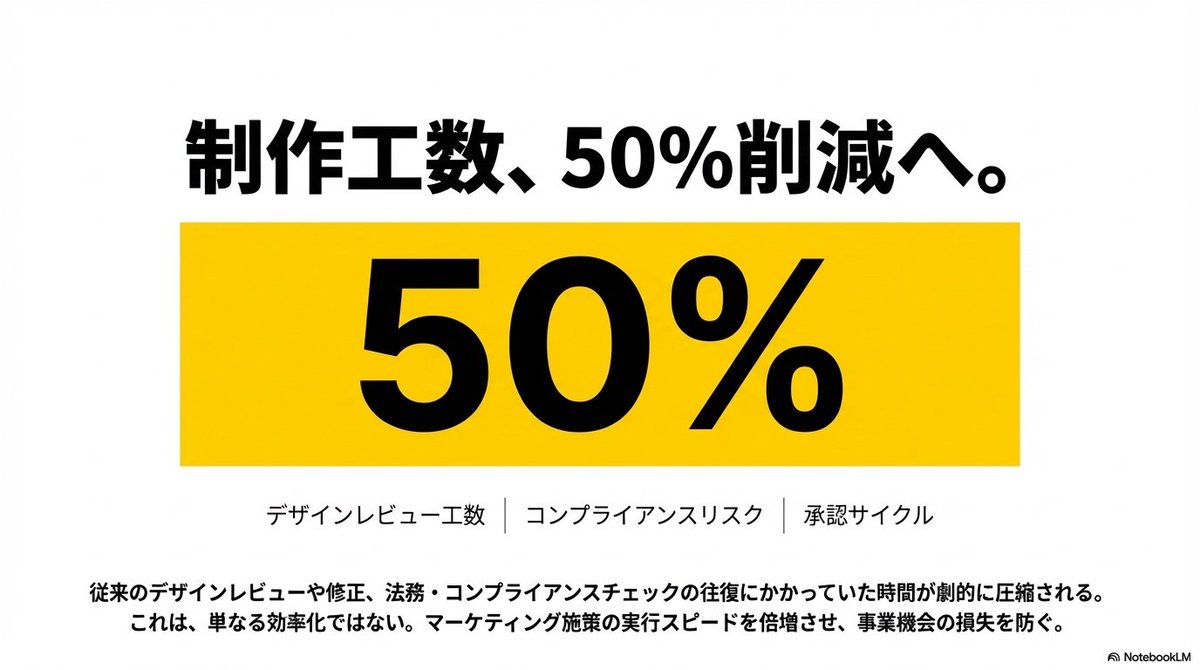


At first glance, these might seem like features for crafting stylish slides. But the real magic lies in how the AI now can absorb prompts that include emotional design cues aimed squarely at the audience’s feelings. That means it’s not just about pretty visuals; it’s about creating slides that directly contribute to your goals—whether that’s persuading, informing, or stirring action.
For example, I deliberately instructed the AI to make a slide that uses provocative language to highlight pain points and grab attention immediately. The result? A slide that genuinely made people say "wow," perfectly capturing that emotional spark.
This experience reaffirmed for me that while AI can handle heavy lifting on design and generation, the human role in strategy and emotional framing remains crucial. We can lean hard on AI for output, but we still need to carefully craft the strategy behind the prompts to hit the mark.
For creators curious about how to harness these advances, it’s worth experimenting with longer, more detailed prompts that include emotional and strategic instructions. Avoid vague commands; specificity is key to unlocking the full potential of AI image generators and text to image tools.
You can find the full prompt here: ✨Prompt✨
Exploring these prompt adjustments has also made me mindful of common mistakes like underestimating how much emotional context to embed, or treating AI as a magic wand without human strategic input.
If you want to see how to use prompt-driven AI for slides that truly connect and deliver, this is a direction to watch closely.
More on this evolving intersection of AI and design can be found through resources like AI art creator and image generation communities, where creators are sharing tips on prompt crafting and result-driven output.