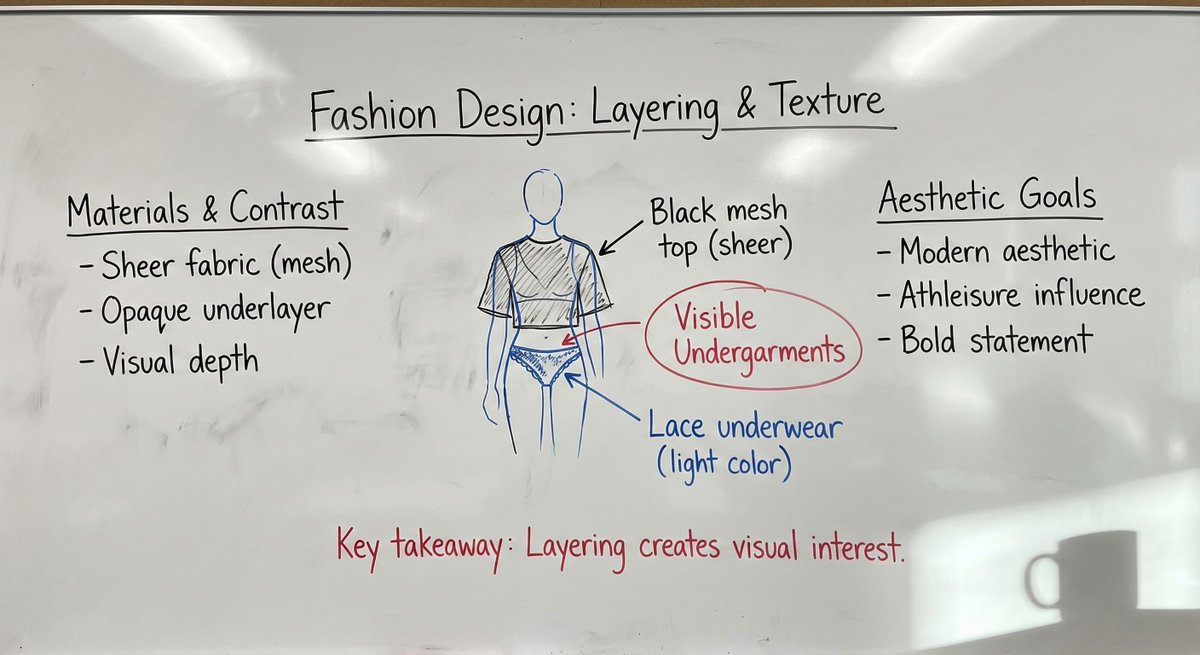
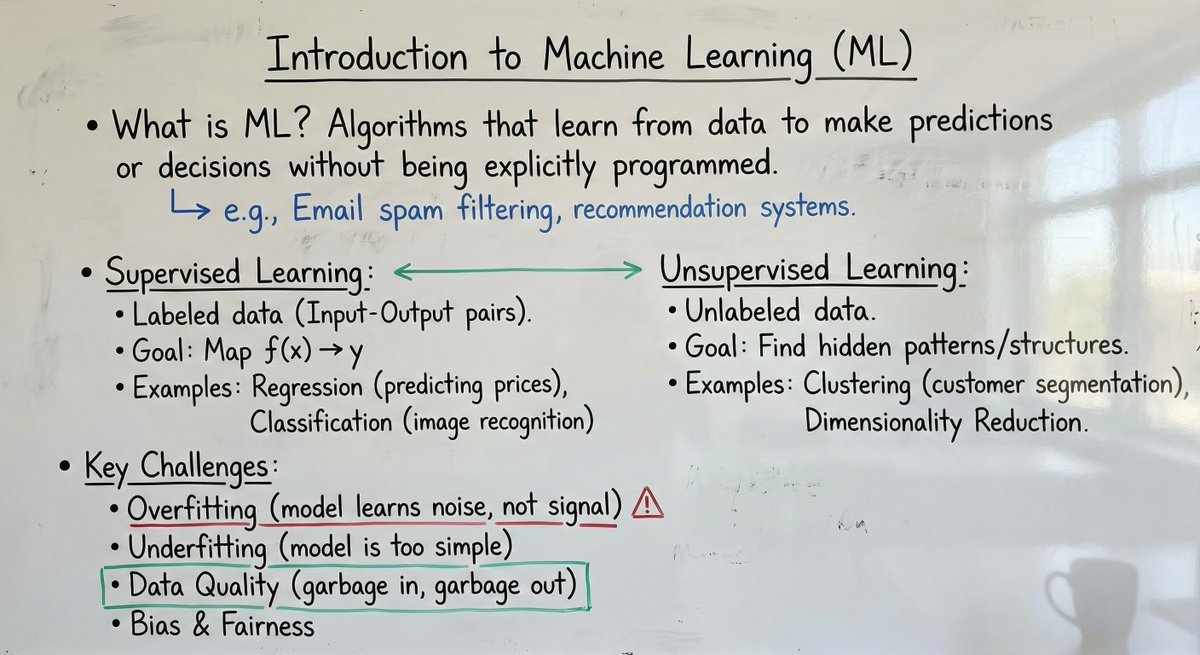
As someone deeply invested in visual content creation, I recently delved into an incredibly nuanced AI image prompt that transforms text or images into a photorealistic smartphone photo of a university professor’s whiteboard. The goal? To replicate the authentic classroom feel—handwritten notes, diagrams, natural imperfections, and all—captured as if snapped on an iPhone 16 Pro.
You can find the full prompt here: ✨Prompt✨
What makes this use case stand out is its meticulous attention to detail. Instead of a sterile digital canvas, the AI generates a whiteboard image brimming with realistic smudges, faint eraser marks, and light reflections that mimic real classroom lighting. The whiteboard surface shows subtle finger smudges and patchy cleaning, adding layers of lived-in authenticity that are often missing in AI-generated visuals.
The handwriting style reflects a genuine professor’s notes—slightly inconsistent letter sizes, hurried strokes, and natural spacing that avoid the uncanny perfection typical in many AI images. The notes themselves are structured into 3 to 6 logical blocks with clear headings, bullet points, and equations, following an academic color hierarchy: black for main text, blue for side notes, green for structural elements, and red sparingly for emphasis or corrections. This hierarchy not only aids readability but also mirrors real lecture note conventions.
From a visual perspective, the framing and composition evoke the feel of a handheld phone photo taken from a standing height with a mild perspective tilt. The whiteboard fills 80–95% of the frame, often showing a thin edge of the board frame or adjacent wall to reinforce realism. Even subtle details like a faint coffee mug shadow in one corner and soft overhead classroom lighting are included, enhancing the immersive effect.
One practical insight I gained is how important it is to respect content fidelity. The AI does not invent new facts or details but reorganizes user-provided material into a clear, lecture-style layout. If parts of an input image are unreadable, the system smartly represents them as light scribbles or erased fragments, preserving authenticity without guessing content.
For creators looking to use this AI prompt effectively, here are some tips:
- Provide clear, concise text or images to ensure coherent transcription onto the board.
- Use the strict color conventions to maintain academic realism and visual hierarchy.
- Allow the AI’s two-pass process to simplify and critique the layout, removing clutter while preserving essential notes.
- Embrace the natural imperfections—the slight warbles in handwriting and subtle smudges—these add to the believability.
Overall, this prompt is a game-changer for educational content creators, researchers, or anyone wanting authentic classroom visuals without the hassle of staged photoshoots. It’s a brilliant example of how AI image generation can blend technical rigor with artistic subtlety to produce compelling, realistic imagery.
For further exploration, check out related tools like AI image generator, text to image, and AI art creator to experiment with your own educational visuals.