Playing around with AI-generated images recently led me to a fascinating concept: adding torn-paper effects that reveal different art styles just within the ripped areas, while keeping the rest of the image untouched. I tried this with Nano Banana Pro, focusing on maintaining the character’s look, pose, and background exactly as-is, then applying distinct visual textures only inside the tears. The results were surprisingly fresh and versatile.
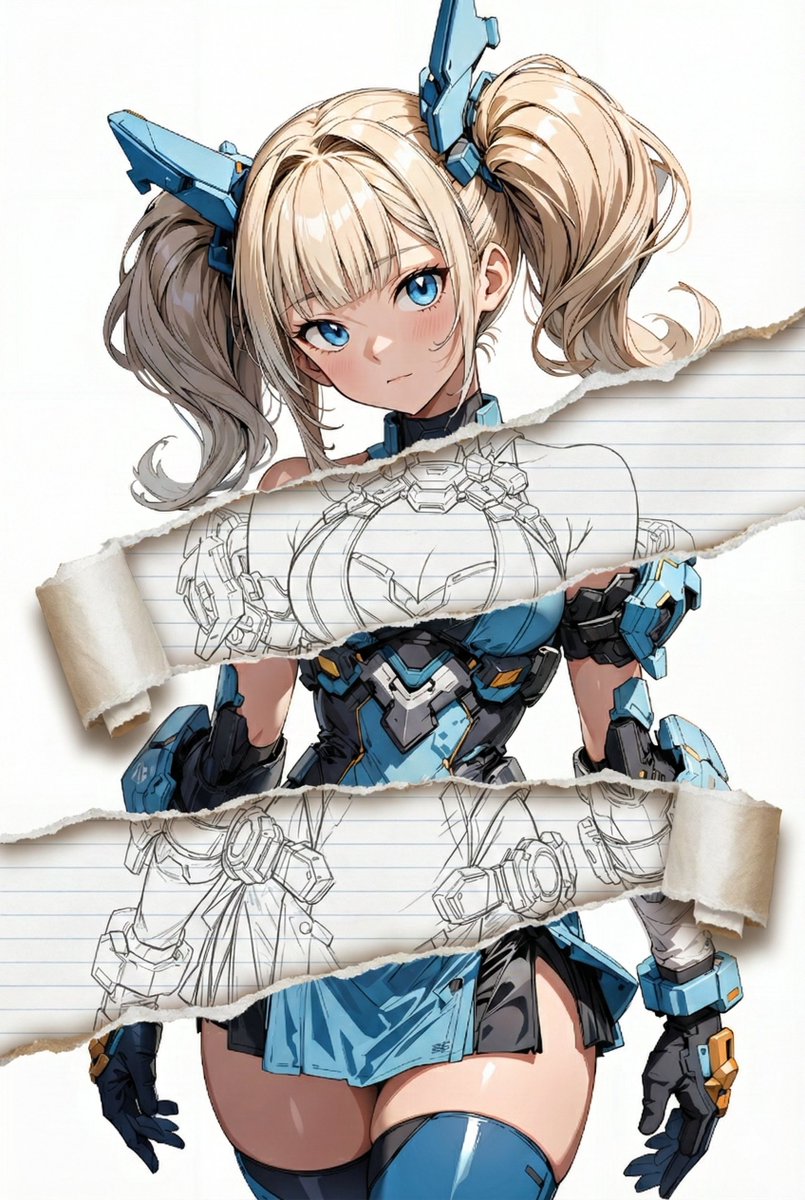

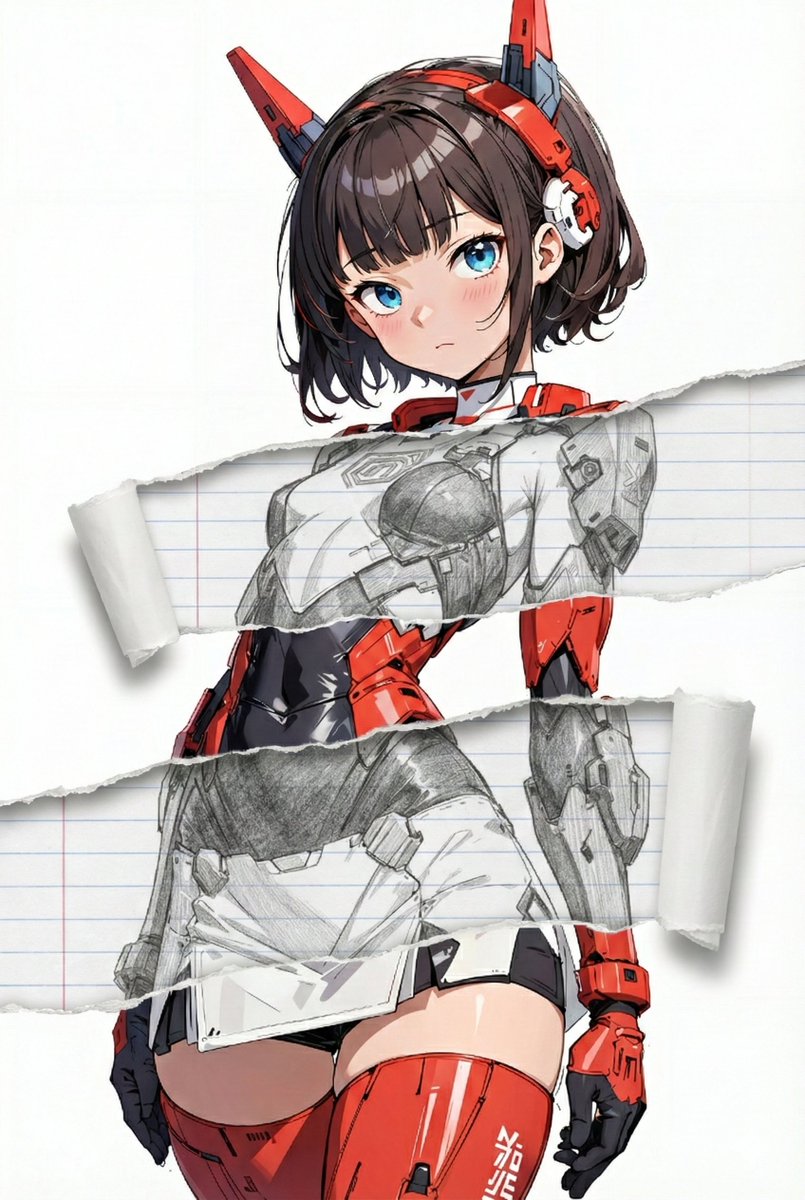
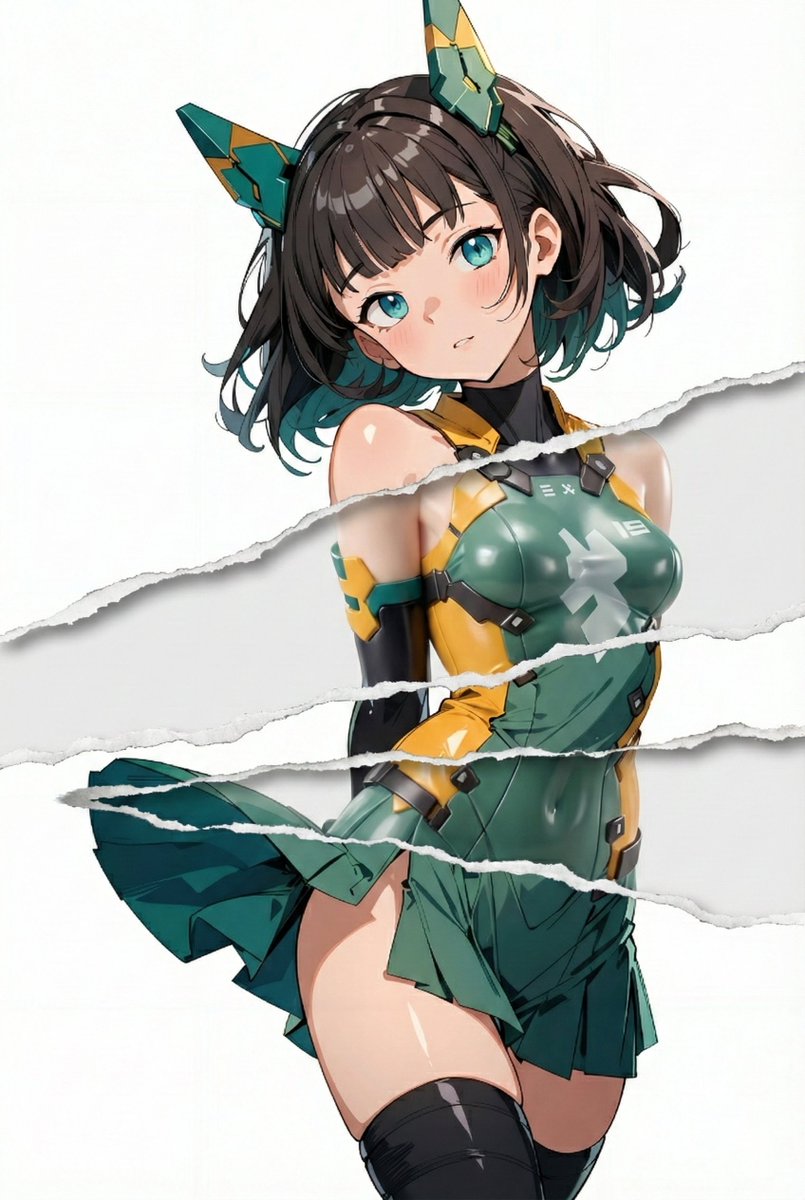
The core idea is to layer widened horizontal tears—one across the chest, another near the lower abdomen—then fill those ripped sections with varying artistic styles. For example, one variation used clean, crisp monochrome line-art on a subtle ruled notebook paper texture, giving a graphic novel vibe inside the tear. Another featured the soft grain and layered hues of colored-pencil strokes on rough sketchbook paper, creating a handmade feel that contrasts beautifully with the digital smoothness outside.
There’s also a pencil-drawing mode, combining visible graphite texture and smooth gradient shading over faint ruled lines, which brought a nostalgic sketchbook quality to the ripped zones. The figure-render style mimics semi-realistic PVC-like material with soft highlights on a smooth surface, making the tears pop with a 3D model flair. Finally, the sumi-e-inspired effect uses black ink tones with soft bleeding edges on textured paper, adding an elegant traditional brushwork impression.
The most exciting part was how the paper texture inside the tears changed to match the chosen style, enhancing the illusion that those areas are actually different materials layered beneath. This subtle detail made the effect much more convincing and tactile.
What I loved about this experiment is how it demonstrates the power of AI for image generation: you can keep your original artwork completely intact while creatively remixing parts of it with diverse visual moods. It’s a playful way to highlight certain regions and add storytelling layers without redrawing or heavy editing.
For those curious about the technical side, the prompt is centered on edit-image: add widened torn-paper layered effect with strict rules to preserve all important character and scene details outside the tears. The interior style can be switched freely among line-art, colored-pencil, pencil-drawing, figure-render, sumi-e, and watercolor modes. Each style defines its own palette, brush or stroke textures, shading approach, and paper type to maintain authenticity.
In my opinion, this approach opens up fresh possibilities for AI art creators looking to experiment with mixed media visuals or add subtle but impactful variations without losing the essence of their original image. It’s a reminder that sometimes less is more—changing just a fragment can completely transform perception.
If you want to explore this yourself, experimenting with how different styles blend with the torn-paper effect is key. Watch out for prompt mistakes like accidentally altering pose or colors outside the tears, which can break the illusion. Adjusting stroke textures and paper types helps fine-tune realism and mood.
You can find the full prompt here: ✨Prompt✨
For more inspiration on using AI creatively, check out these resources: AI image generator, text to image, and AI art creator.