Discovering Nano Banana Pro on Gemini for Studio Portraits
When I first experimented with the Nano Banana Pro preset on Gemini, I was curious about how it could elevate my typical corporate headshots. Using AI to generate visuals, I aimed to capture a polished yet approachable look that felt authentic, steering clear of celebrity or overly stylized effects.
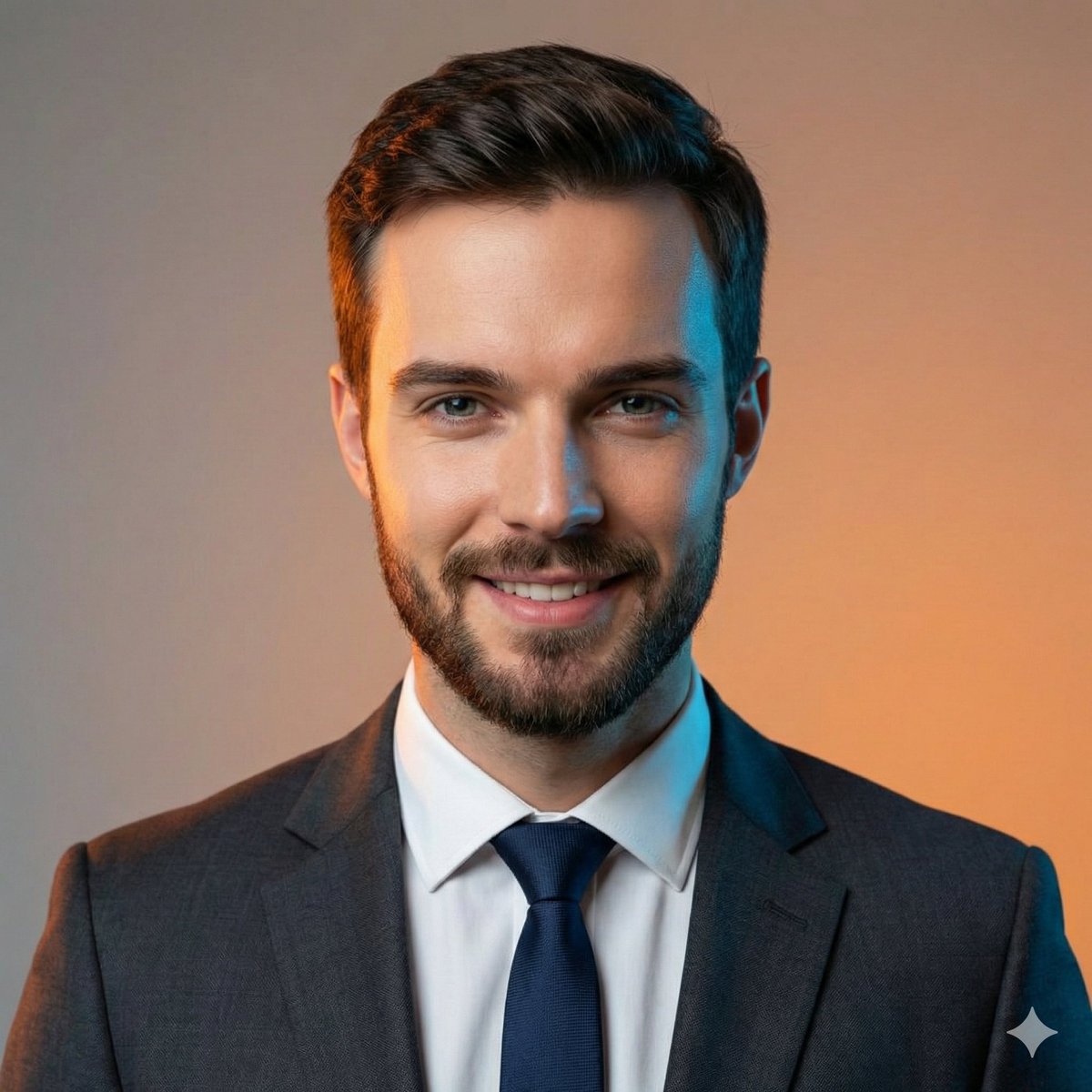

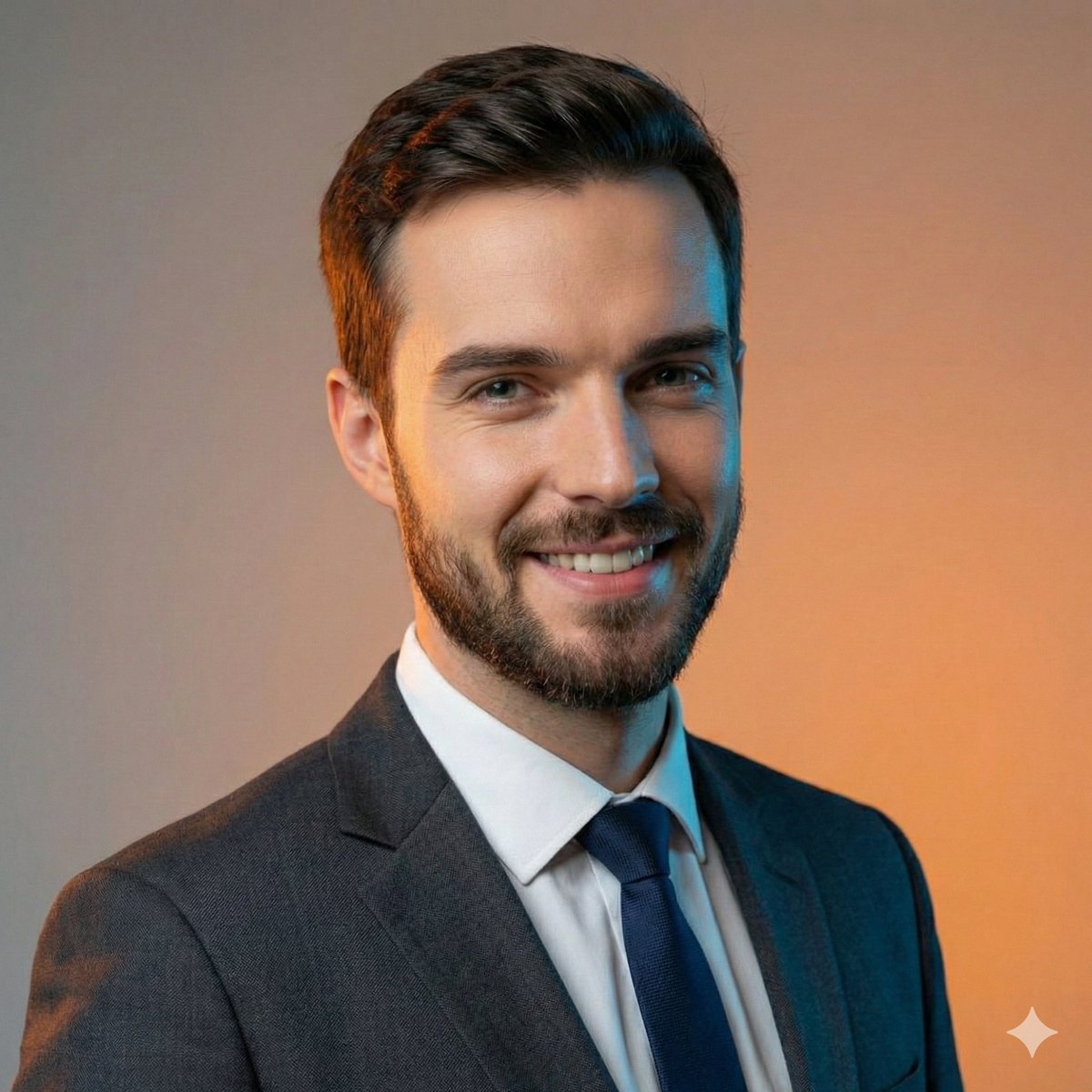
The setup was inspired by a classic professional studio environment: a smooth neutral gradient in the background with soft, balanced lighting that evenly illuminated the subject. The focus was razor sharp on the face, captured through an 85mm portrait lens at f2.8 aperture to achieve that coveted shallow depth of field. This tight head-and-shoulders framing, combined with direct eye contact, really helped the subject’s confident and friendly smile stand out.
What I appreciate most about this approach is the balance Nano Banana Pro strikes between photorealism and a clean corporate vibe. The dark gray tailored suit paired with a crisp white shirt and navy blue tie complemented the natural skin texture perfectly, avoiding any artificial or overly glossy effects. It felt like a real person was looking back at me, not a celebrity or a cloned face, which was a critical part of my prompt constraints.
One practical insight I gathered is how important it is to use AI prompts that reference pose, lighting style, and composition without copying facial identity. This ensures originality while maintaining professional standards. I also learned to avoid negative prompt mistakes such as including celebrity likeness or cartoonish traits, which can easily ruin the authenticity of the portrait.
If you’re exploring text to image AI art creation, Nano Banana Pro on Gemini offers a reliable style for high-end corporate portraits. Adjusting the prompt for sharp focus and balanced lighting made a huge difference in output quality.
You can find the full prompt here: ✨Prompt✨
For more on how to use prompt adjustments to enhance your image generation, check out tips on framing, camera angle, and lighting styles. These details are what make AI-generated portraits truly stand out.
Explore more about the AI image generator tools and see how subtle prompt tweaks can help you achieve crisp, professional results without losing the human element.