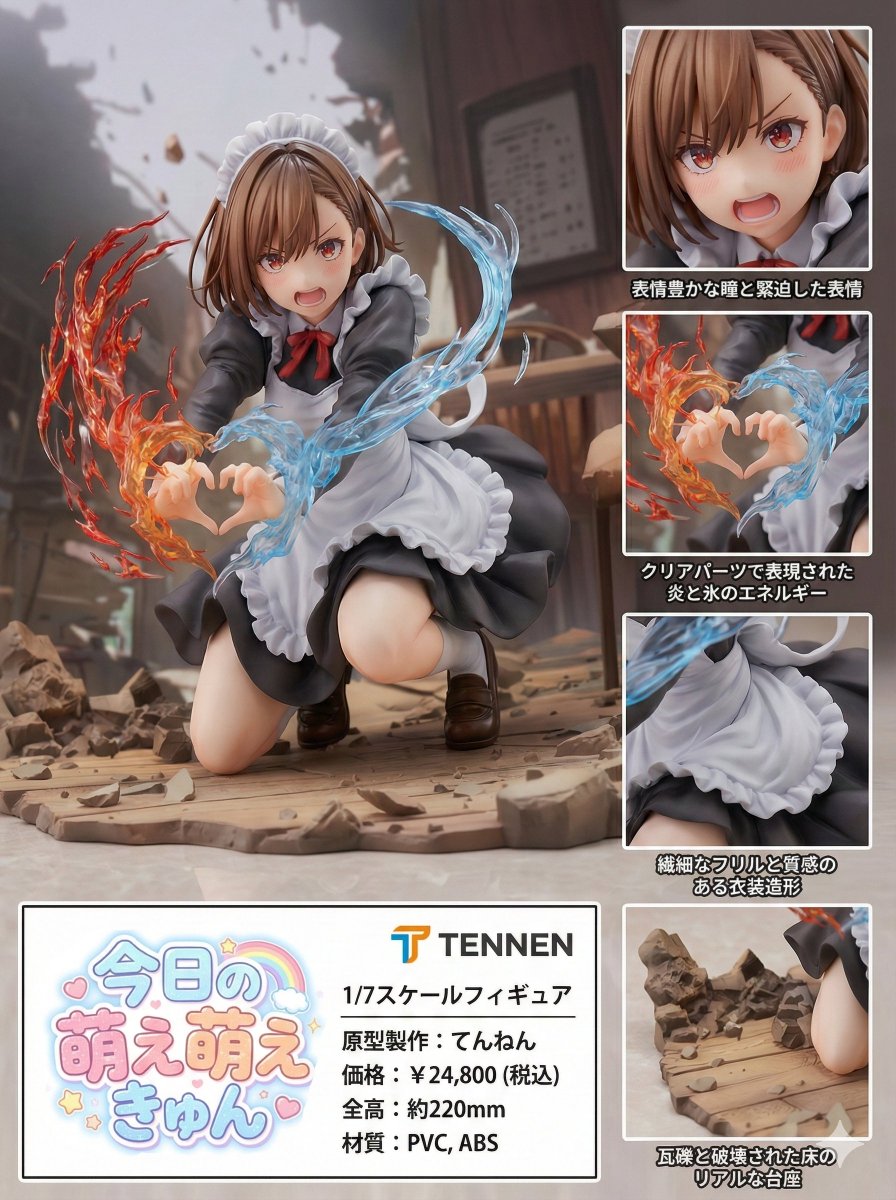
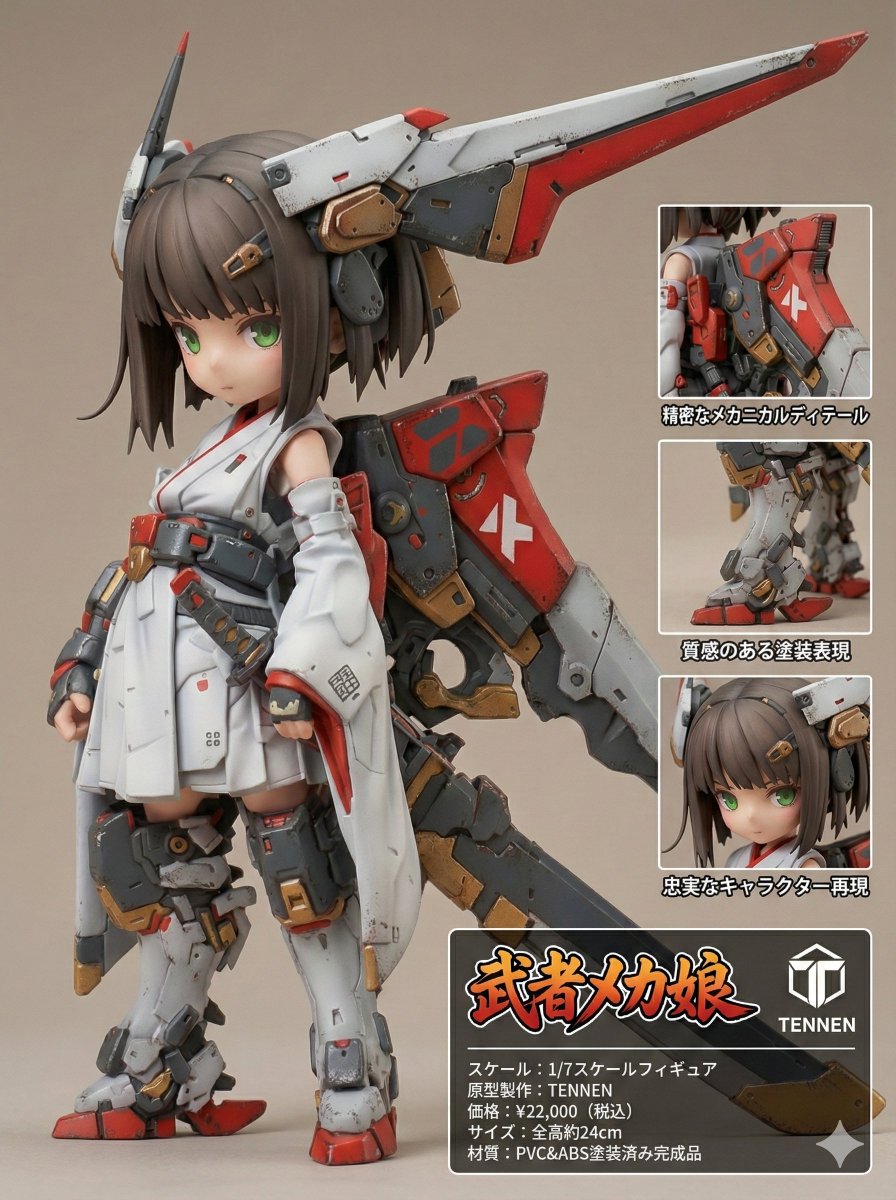
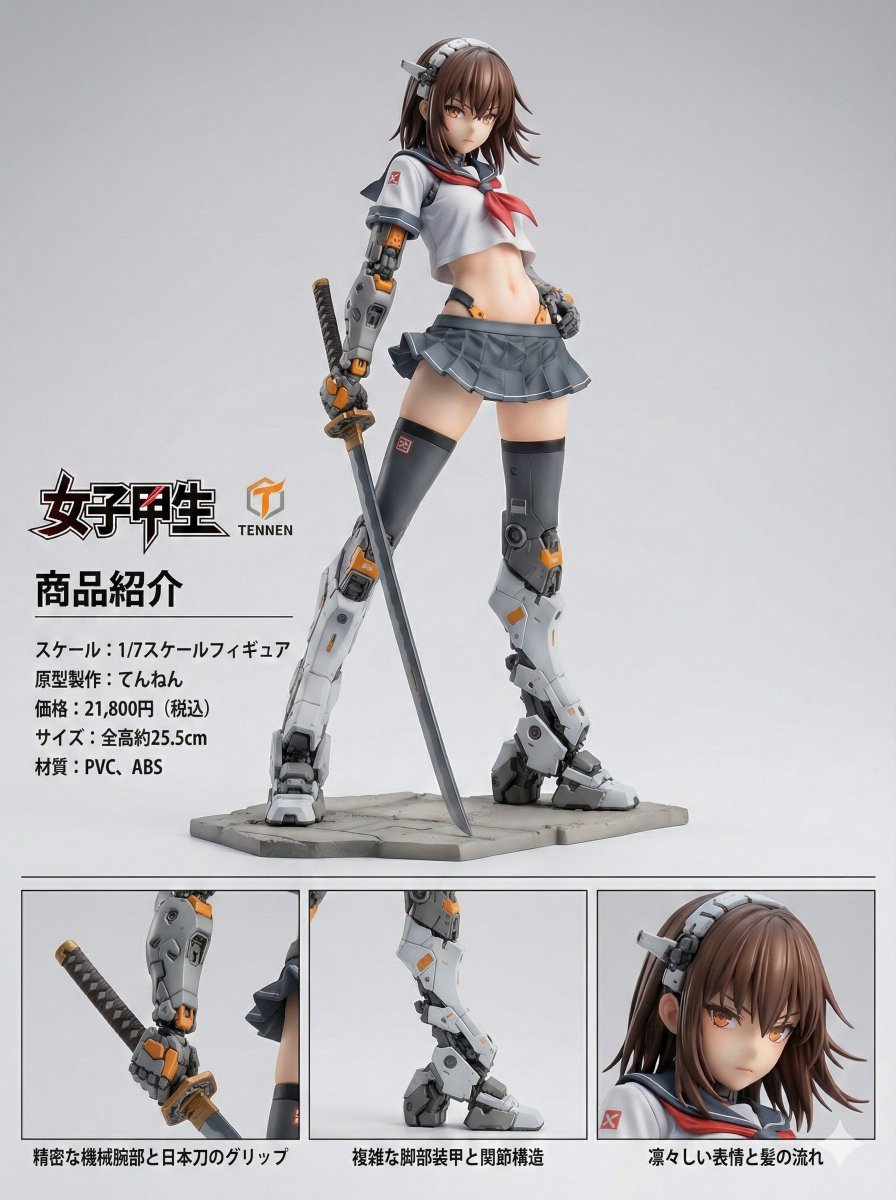
Playing around with Nano Banana Pro completely changed how I approach figure product visuals. It’s tailored specifically for transforming character illustrations into photorealistic PVC figures, and the results blew me away. The prompt guides the AI to keep every design nuance—proportions, colors, hairstyles—exactly as in the original character. Then it composes the image in a clean, vertical Japanese product introduction layout that feels authentic and polished.

You can find the full prompt here: ✨Prompt✨
What’s fascinating is how the AI infers details like scale (1/7), material, and even realistic price estimates based on sculpt density and paintwork. The figure looks like a real collectible, right down to subtle PVC seam lines and gloss on the hair and clothing, contrasted with a matte skin finish. The studio lighting is perfectly balanced to showcase the figure’s texture and form, with soft shadows grounding it on a neutral background. This kind of attention to photographic detail is rare in AI image generation.
Another highlight is the product info area: it displays the product name and manufacturer logos only once, maintaining clean visual hierarchy. Plus, multiple inset close-ups zoom in on different parts of the figure—each with unique Japanese captions explaining features without repetition. It’s a masterclass in layout design that feels both commercial and artistic.
From a creator’s perspective, Nano Banana Pro isn’t just about making pretty pictures—it’s a practical tool for visualizing collectible figures before production. The prompt’s strict rules about preserving character integrity and forbidding unauthorized edits ensure consistent, high-quality outputs. If you’re working with text to image tools or want to explore AI art creator workflows for product visuals, this prompt is a game-changer.
Of course, mastering the prompt requires careful adjustments to avoid mistakes like overlapping inset panels or losing scale accuracy. But once you get the hang of it, the results feel incredibly professional and satisfying. I’m excited to keep experimenting and see how nuanced prompt tuning can push the photorealism even further.