Discovering Nano Banana Pro on Gemini App
As someone who’s always chasing that perfect food shot, I was curious when I stumbled upon the Nano Banana Pro preset on the Gemini app. The prompt was simple yet intriguing: a stack of three food items with liquid dripping down, all captured on a crisp white background. This setup promised a macro shot with studio-quality lighting, reminiscent of high-end food photography you'd find on magazine covers. Naturally, I had to see if this AI tool could deliver the results I envisioned.
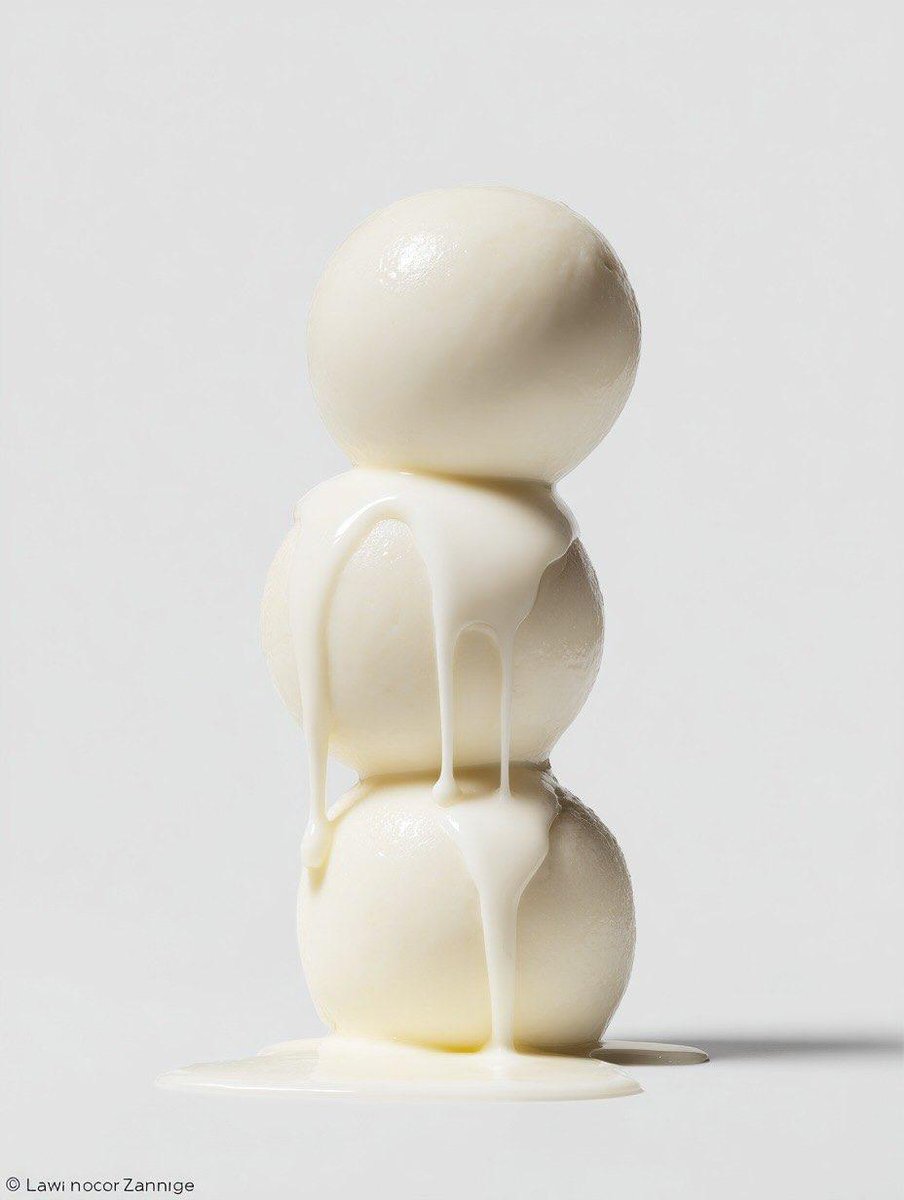
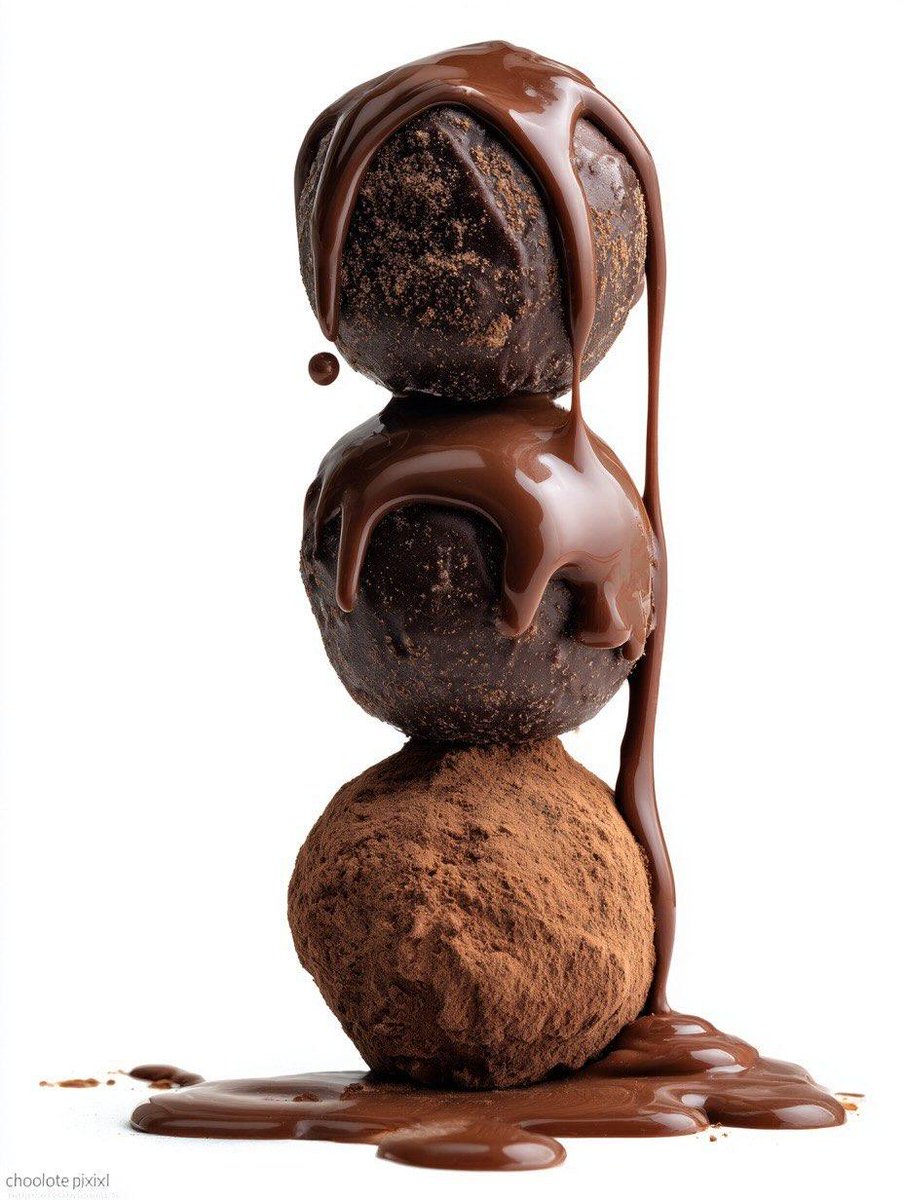
What really stood out was how the Nano Banana Pro preset handled volumetric lighting and neutral tones. It gave the images a subtle depth without overpowering the natural look of the food, which is crucial when you want the viewer’s focus on the textures and the luscious liquid drips. The Nikon Z6 II reference in the prompt seemed to guide the AI in producing sharp, detailed macro shots, capturing every droplet and surface nuance beautifully.
Visual Details That Made a Difference
The white background was a brilliant choice—it created a clean, minimalist frame that made the colors pop without distracting elements. The liquid dripping effect looked incredibly natural, almost as if you could reach out and feel the textures. This made each image feel alive and appetizing, exactly what you want in food photography.
Using this prompt on the Gemini app felt like having a professional studio at my fingertips. The volumetric lighting added a soft glow around the stack of food, enhancing the dimensionality of the shot. The neutral tones balanced the brightness perfectly, avoiding the harsh contrasts that sometimes plague AI-generated images.
Lessons Learned and Tips for Using This AI Prompt
- Be specific with lighting and camera references in your prompt to guide the AI toward realistic results.
- Keep the background simple to ensure the food remains the hero of the shot.
- Adjust prompt details like "volumetric lighting" and "neutral tones" to refine the mood and depth.
- Watch out for over-editing—sometimes less is more for authentic food textures.
Overall, the Nano Banana Pro prompt on Gemini offered a fantastic balance between creative control and AI assistance, making it easier to produce professional-grade food visuals. If you’re experimenting with AI image generator tools for food photography, this prompt is definitely worth trying.
You can find the full prompt here: ✨Prompt✨
For more inspiration on how to use AI for stunning food visuals, check out an AI art creator or dive into image generation techniques tailored for food photography.