Discovering the Magic Behind Nano Banana Pro's Detail Quality
When I first heard about Nano Banana Pro, I was curious but skeptical—could an AI really capture every tiny nuance of a design? I decided to run a test with a close-up prompt, focusing on the intricate details of an illustration and design pattern. My goal was to highlight the high-relief varnish effect on both the pattern and text, something that usually requires advanced photography or 3D rendering skills.
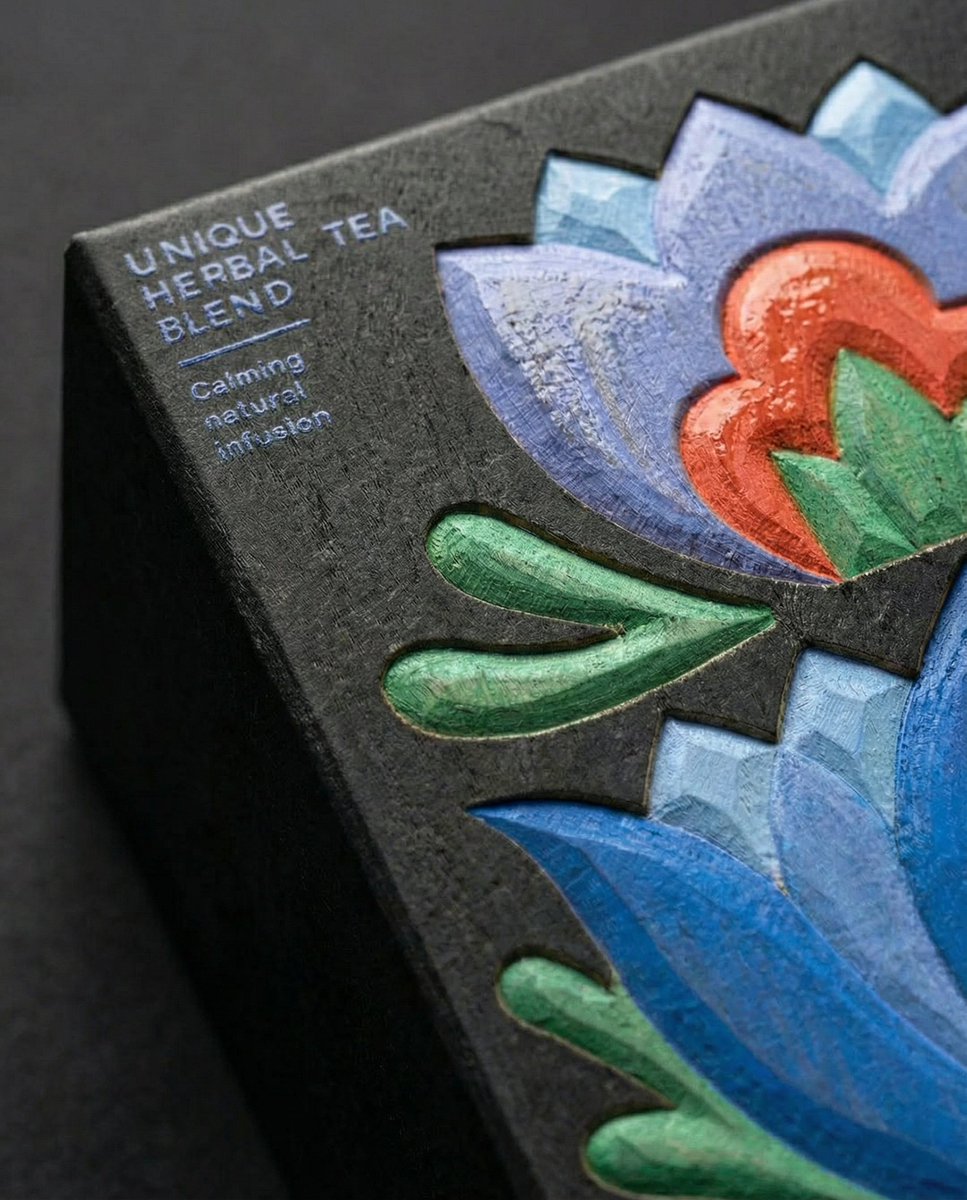
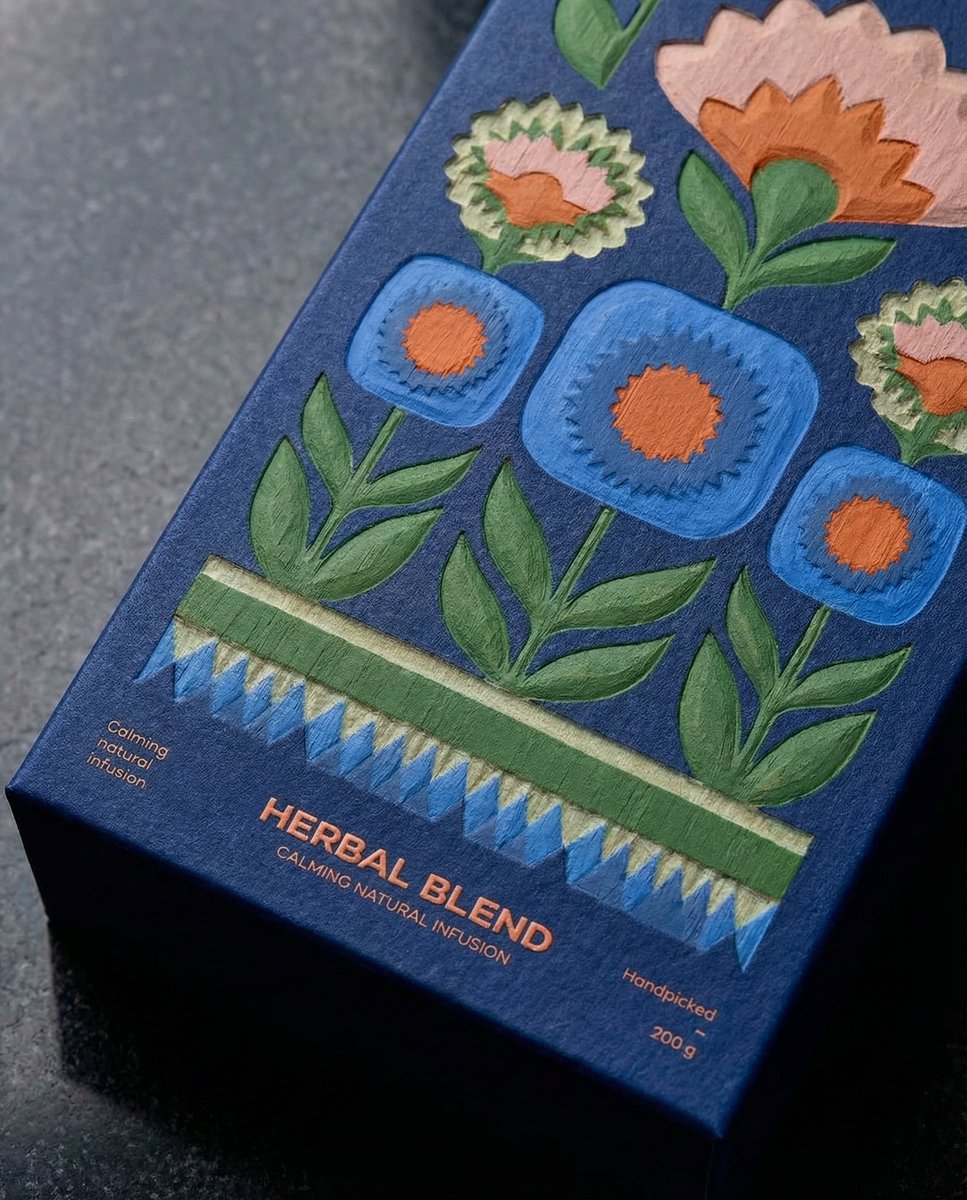
The results blew me away. Nano Banana Pro didn’t just replicate the image; it enhanced the textures and brought out a tactile feel that made the design pop visually. The varnish glistened realistically, catching light in ways that made the design look almost tangible. This level of detail is a game-changer for anyone working with product visuals or packaging design.
One key insight I found is that specifying "close-up" in the prompt really pushed the AI to zoom in on the fine elements, while adding "high-relief varnish" helped emphasize texture and depth. It's a reminder of how crucial prompt adjustments are when striving for hyper-realistic results with text to image tools.
Of course, it took a few iterations to get the varnish effect just right. Initially, the gloss looked flat or uneven, but refining the prompt with clearer descriptors made a huge difference. This experience showed me how important it is to experiment and be patient with prompt crafting.
Why this matters for creators
For content creators and designers, having access to AI that can render such detailed close-ups means less reliance on expensive equipment or complex software. You can quickly generate visuals that feel professional and tactile, perfect for social media, portfolios, or client presentations.
For those interested in exploring this style, I recommend checking out similar AI art creator platforms that support detailed texture prompts. Playing with the balance between descriptive keywords and artistic freedom is key to mastering image generation.
You can find the full prompt here: ✨Prompt✨
More on Using Nano Banana Pro for Fine Detail
I also noticed that the AI’s interpretation of "high-relief varnish" brought a subtle 3D effect that added dimension without overpowering the design. It’s a delicate balance that many AI image generators struggle to achieve, but Nano Banana Pro handled it gracefully.
If you’re new to prompt crafting, a common mistake is being too vague or too broad. Instead of "make it shiny," specifying "high-relief varnish on the pattern and text" gives the AI a clearer direction and improves the final output.
For creators eager to leverage this, I suggest starting with a strong base image and then layering your prompts to emphasize texture and focus areas. This approach works wonders with image generation tools and helps avoid flat or generic results.