Exploring New York City as a Living Mini Planet
I've always been fascinated by how cities can feel like entire worlds of their own. Recently, I used an AI image generator to reimagine New York City as a surreal, spherical panorama — a tiny planet where the city’s iconic architecture curves naturally around a globe. The result was stunning: this wasn’t just a photo manipulation but a polished, photorealistic vision that captured the city from a top-down, orbiting perspective.
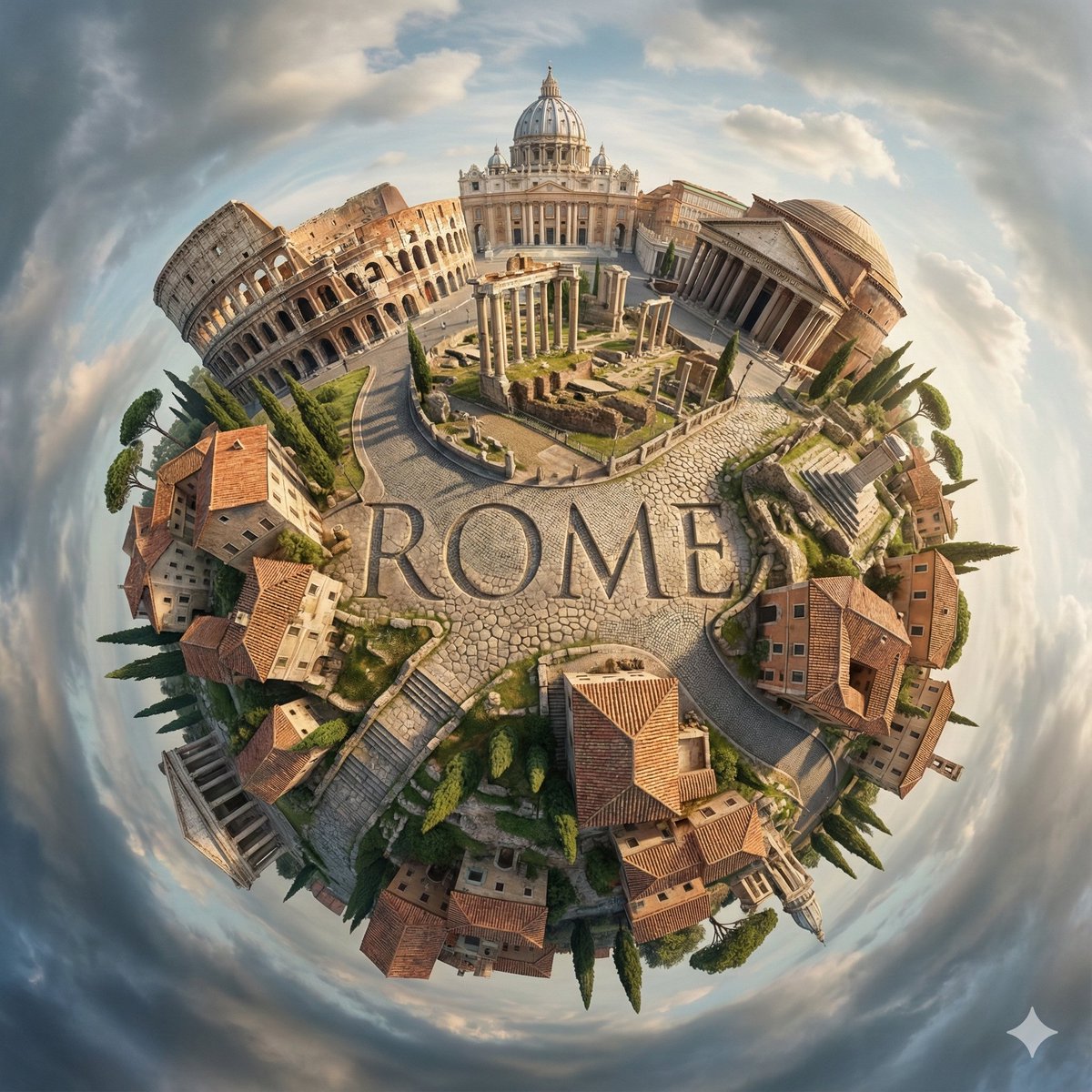

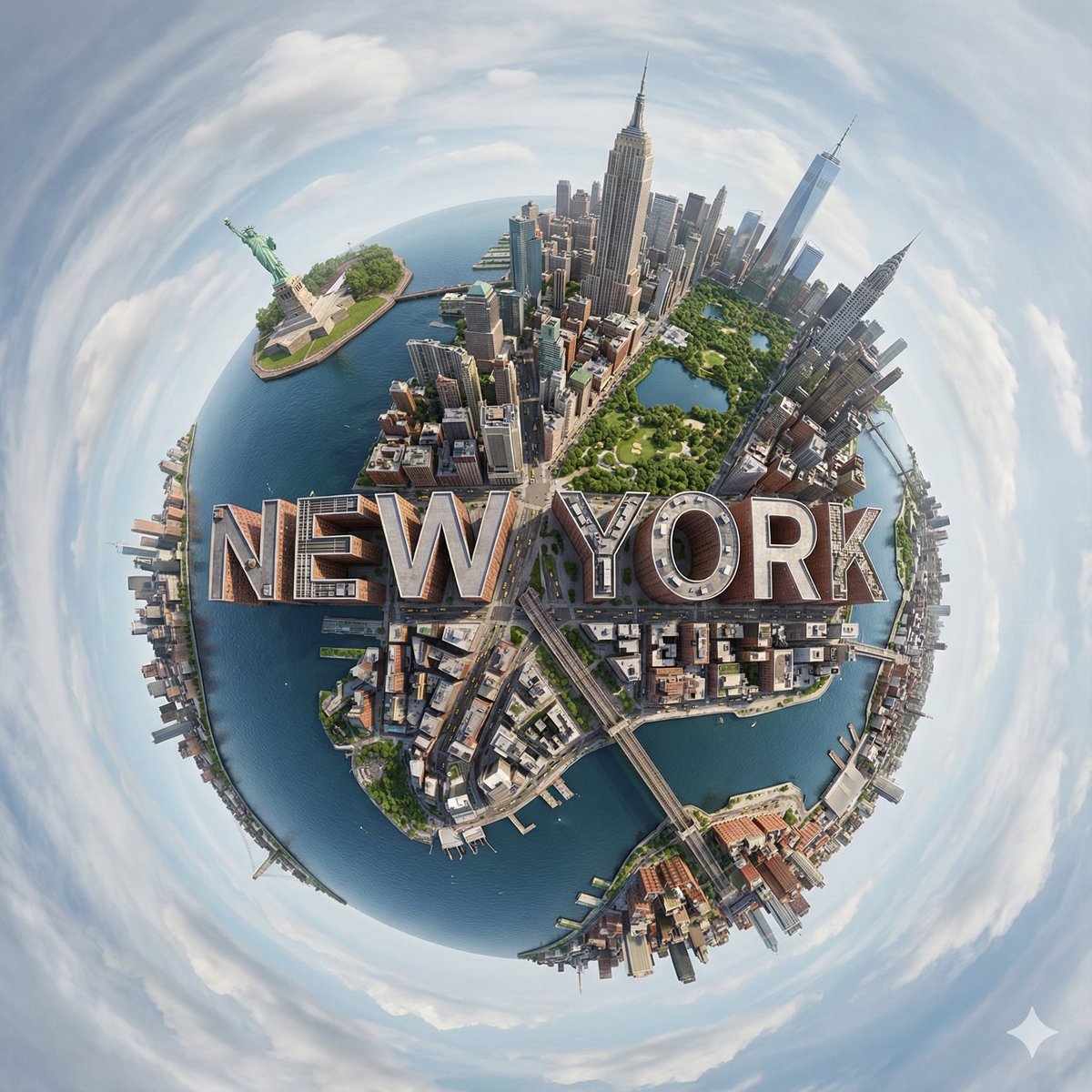
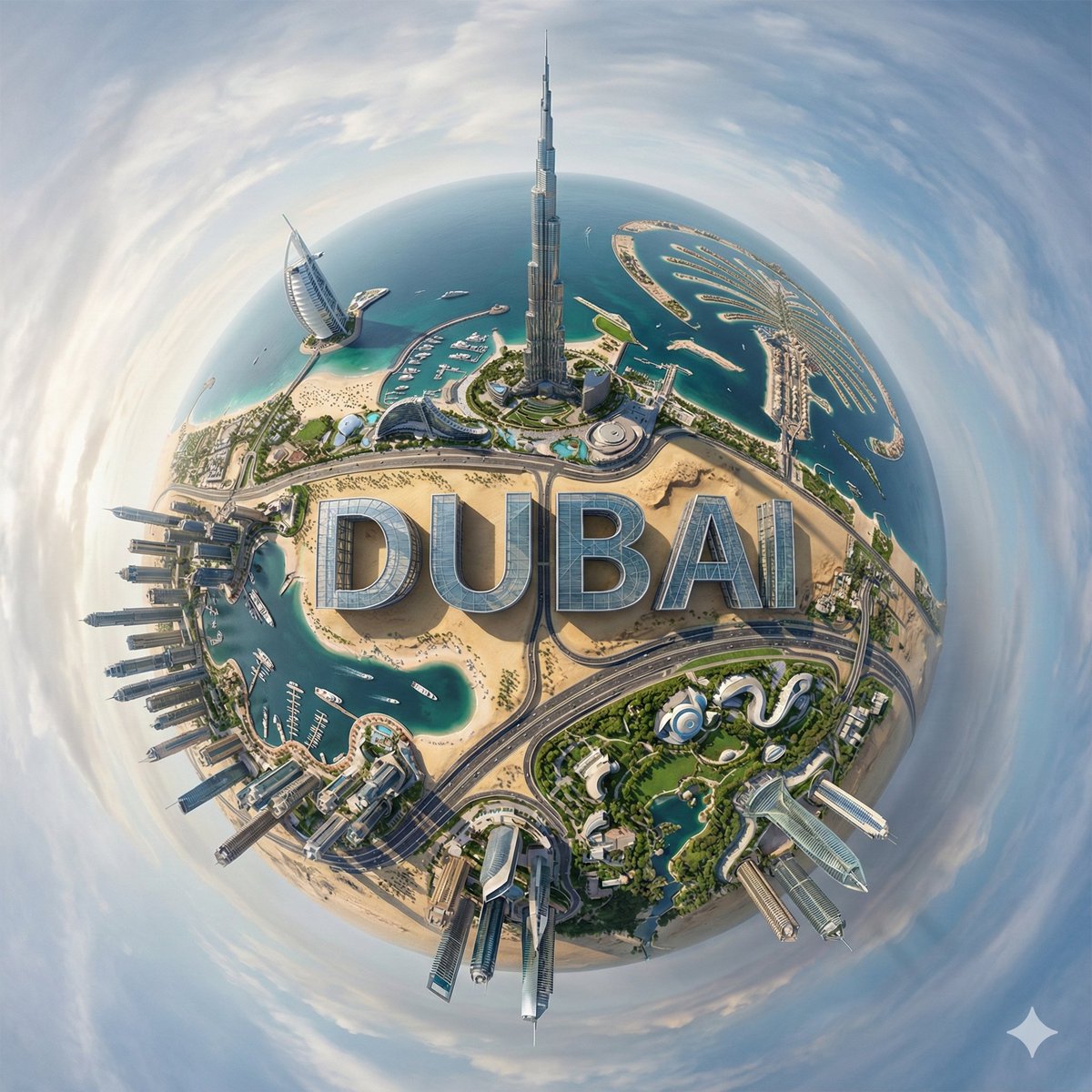
You can find the full prompt here: ✨Prompt✨
The challenge was to maintain architectural clarity while embracing the spherical distortion typical of tiny-planet images. The AI did a fantastic job integrating landmarks like the Empire State Building and the Statue of Liberty into a cohesive miniature world. What really made the image pop was the seamless 3D typography spelling out "NEW YORK CITY"—it felt like part of the urban fabric rather than an afterthought.
Soft daylight filtered through a partly cloudy sky, casting realistic shadows over lush trees, streets, and buildings. This natural lighting added depth and atmosphere, while a dramatic swirling sky in the background enhanced the surreal mood without overwhelming the scene. The color palette was carefully balanced with crisp greens in parks, soft blues in the sky, and muted earth tones in the buildings, truly reflecting New York’s dynamic environment.
Working with this AI prompt taught me a lot about prompt adjustments and the importance of specifying lighting and mood to avoid common mistakes like unnatural shadows or floating text. It was also a reminder of how powerful text to image tools have become, especially when you want to create complex, layered visuals that feel both realistic and imaginative.
If you’re curious about how to use prompt-driven AI art creation for cityscapes or want to experiment with spherical panoramas, I highly recommend playing around with this style. It’s a fantastic way to combine architectural detail, atmospheric effects, and creative typography into one immersive image.
- Tip: Specify the lighting conditions and sky mood clearly to get natural shadows and depth.
- Tip: Integrate text naturally with the environment to avoid a floating or pasted-on look.
- Tip: Use vivid but natural colors to maintain realism in surreal compositions.
For more inspiration and tools, check out AI image generator platforms that offer advanced text to image capabilities and fine control over architectural details and atmospheric depth.
Exploring cityscapes as planets is a surreal new frontier in image generation that blends urban storytelling with cosmic scale—definitely worth trying for creators looking to push their visual boundaries.