When I first shared my character breakdown image prompt on X platform last November 23, I never imagined it would explode to over a million views and spark a wave of creativity across China, Japan, and even Western countries.
That original prompt was simple yet powerful, but after watching its viral journey, I felt inspired to push it further. So I developed version 2.0 — a multi-mode, feature-rich upgrade that takes the playful, visual storytelling to a whole new level.
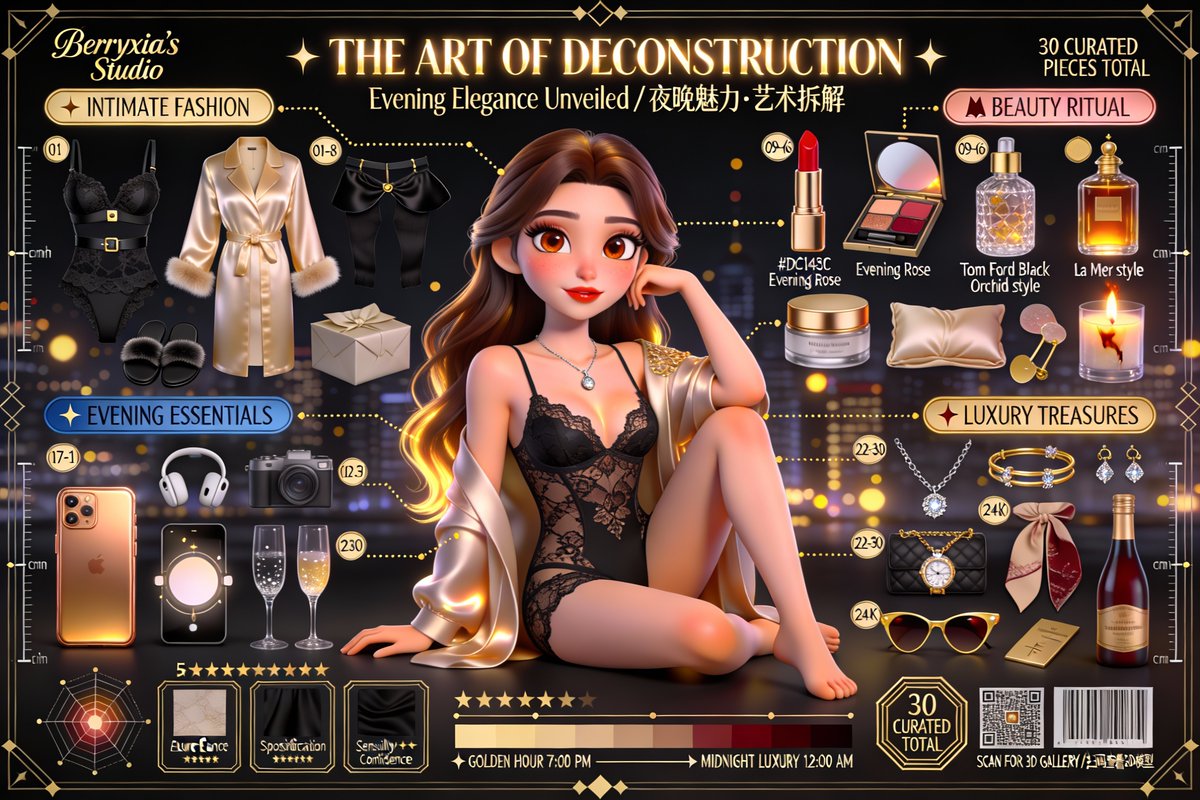
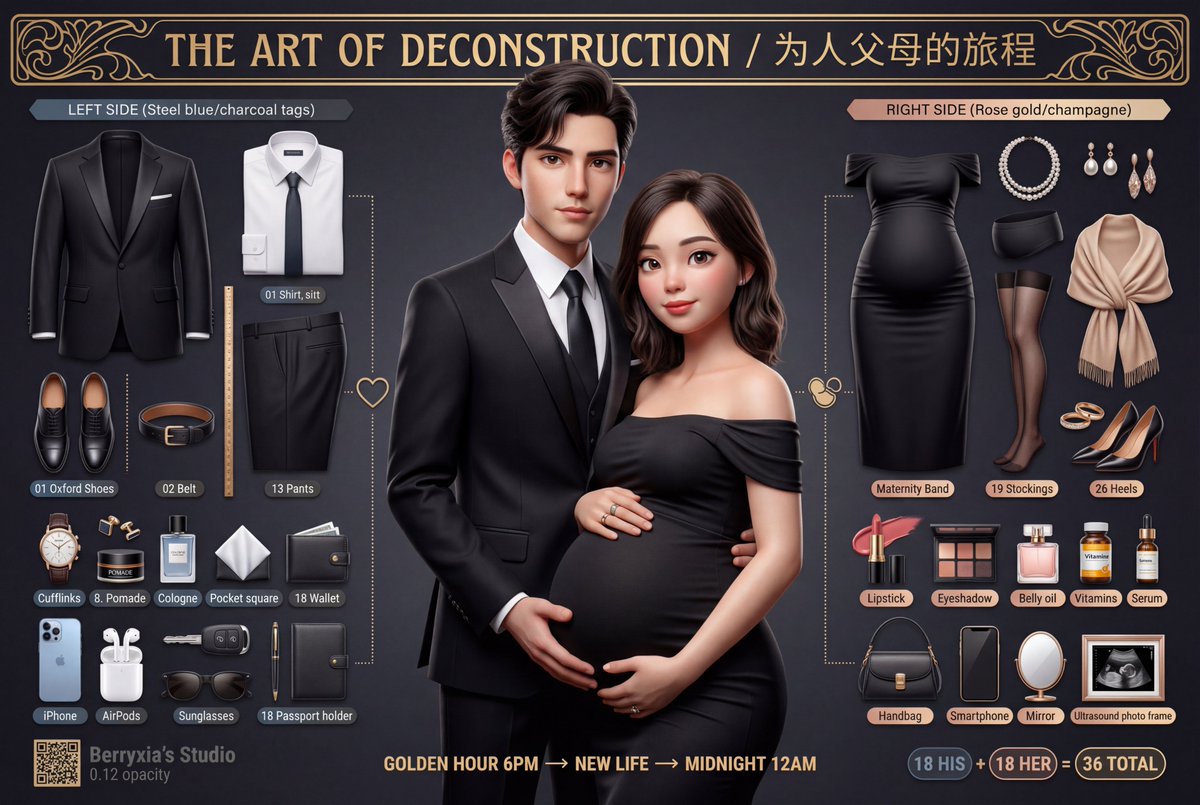
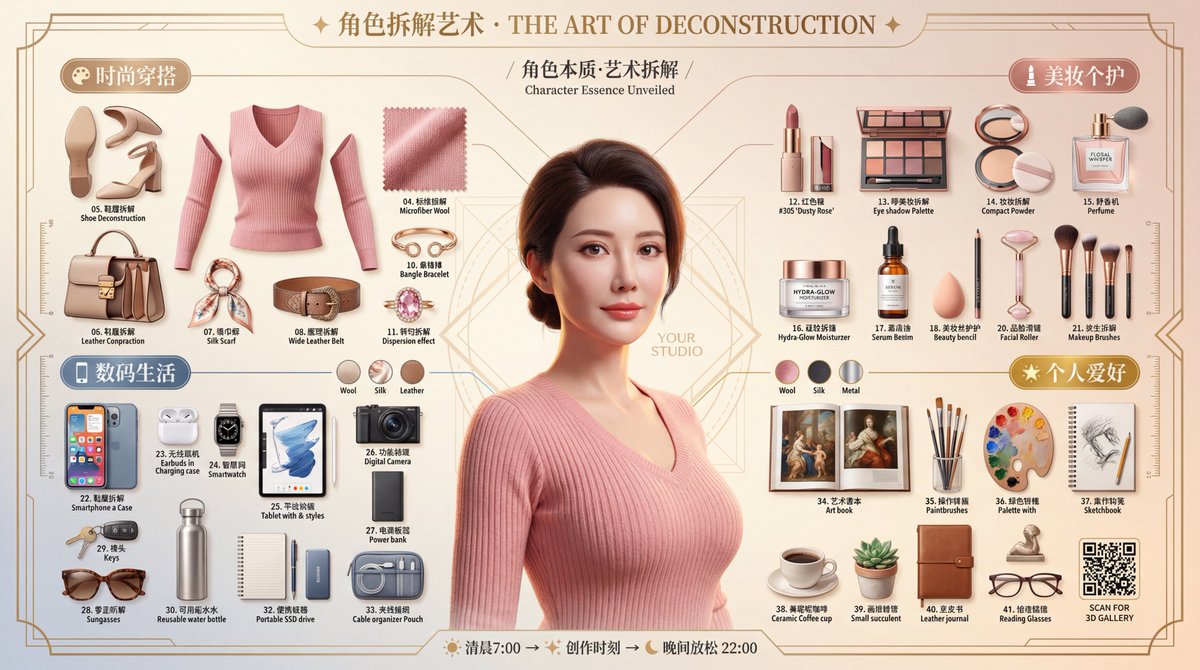
For starters, the new 3D Pixar style mode absolutely transforms the character breakdowns into vibrant, lifelike scenes with that warm, playful animation vibe we all love. It’s like seeing your favorite characters step off the page and into a mini movie.
But I didn’t stop there. The 2.0 version also includes timeline views, privacy modes, secret dossiers, and contrast modes. Each unlocks different visual moods and creative possibilities, making the prompt versatile for diverse projects.
In upgrading, I learned a lot about prompt adjustments and the impact of AI model choices on image quality. For instance, Google’s updated Nano Banana Pro model now adds unwanted watermarks and drops in intelligence, which can be frustrating for commercial use. That’s why I recommend services like Flowith for their clean, sharp raw images and convenient canvas mode that lets you batch create multiple images quickly.
The 2K resolution images Flowith produces are impressively clear, especially around text—something that usually requires 4K on other platforms. For heavy prompt testing and iterations, their Pro membership supports four 4K images per batch, which is a game-changer for efficiency and quality.
I also noticed a sweet deal during their Black Friday and Christmas combined sale, with annual plans discounted up to 80%. This makes trying out advanced prompt work more accessible.
Prompt by style or use case, this 2.0 release is about giving creators a toolbox of visual moods to experiment with. I’m excited to see how the community uses the timeline or secret file modes next!
“欲善其事,必先利其器” — To do a good job, one must first sharpen their tools.
So whether you’re here to create viral content or just experiment with AI art, upgrading your prompt and choosing the right AI image generator service can make all the difference.
Feel free to share your creations in the comments or reply with keywords like “拆解”, “绝密”, or “时间轴” to get the full prompt versions. Since some platforms limit visibility, I’ll be updating and releasing all versions over time.
You can find the full prompt here: ✨Prompt✨
For more tips on text to image and how to use prompt adjustments effectively, check out these resources. They helped me fine-tune this 2.0 version and avoid common prompt mistakes.
Thanks for following along—let’s keep pushing AI image generation forward!