Turning Text Into XiaoHongShu-Style Infographics
As a content creator always looking for fresh ways to present information, I recently experimented with a prompt set designed to generate XiaoHongShu-style infographics. The idea was to break down complex inputs into a series of visually appealing, bite-sized images that feel native to platforms like XiaoHongShu. Using Gemini Pro to generate individual image prompts, then creating the visuals with Nano banana Pro, led to surprisingly cohesive and engaging graphics.
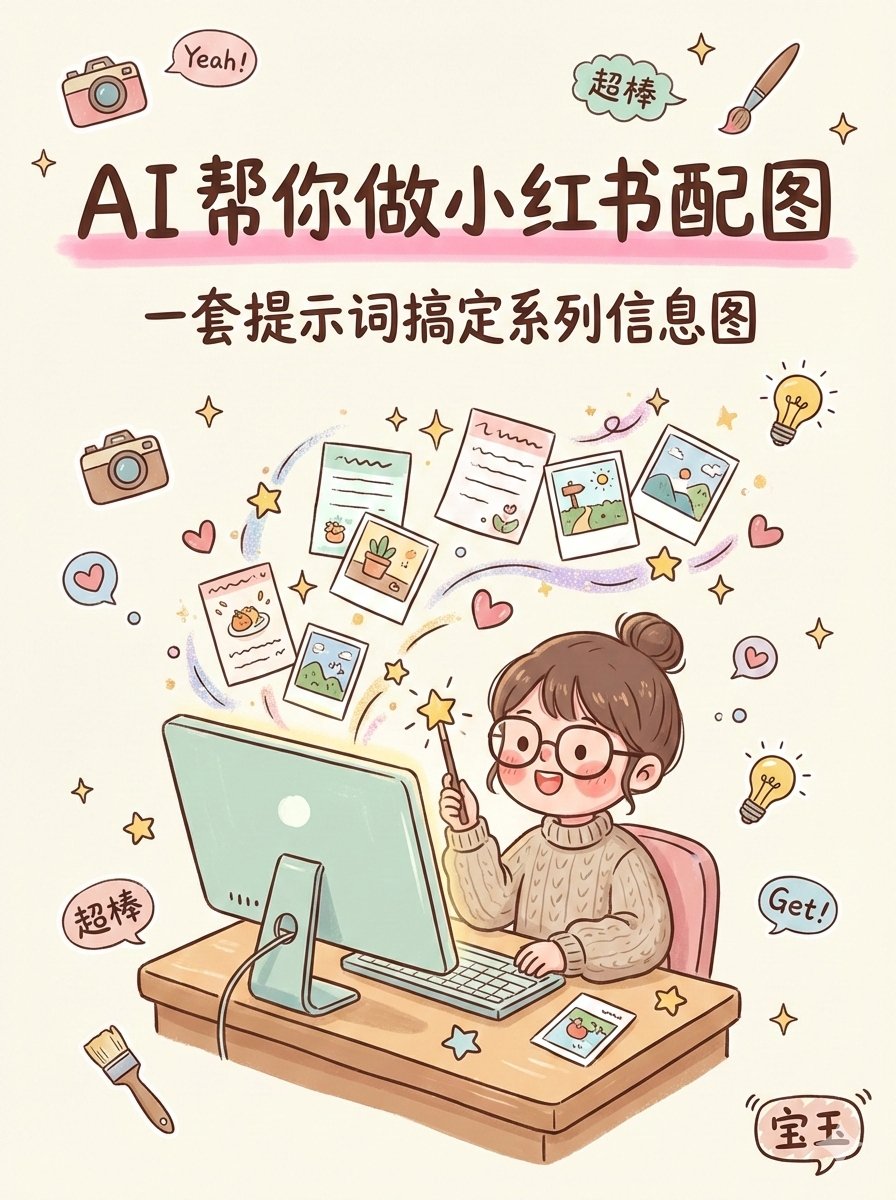
You can find the full prompt here: ✨Prompt✨
Why This Workflow Worked for Me
The prompt set was crafted to be compatible with large language models like Gemini, Claude, and ChatGPT. I fed my content through these models to get detailed, page-by-page image prompts. Then, using Nano banana Pro for image generation gave the best visual fidelity and style accuracy compared to other tools I’ve tried.
This approach saved me from manually designing each infographic slide and allowed me to focus on fine-tuning prompts for clarity and aesthetics. The end result was a series of images that felt authentic to XiaoHongShu’s visual language—clean, colorful, and easy to digest.
Practical Tips for Using This AI Prompt Set
- Adjust the prompts: Don’t hesitate to tweak the generated image prompts to reflect your brand colors or tone.
- Use Gemini Pro: It’s the most reliable for creating detailed, coherent prompts for each infographic page.
- Prefer Nano banana Pro for image creation: It consistently delivered the best results in style and clarity.
For those interested in text-to-image workflows, this method bridges the gap between AI prompt creation and beautiful visual output. It’s a great example of how prompt engineering and image generation tools can work hand-in-hand to produce content that stands out.
If you want to explore more, check out these resources: