My Journey to the Ultimate Food Hero Shot
As someone who constantly experiments with visual content, I recently dove into creating a premium food hero shot using AI image generation. The goal was to capture a clean, minimalist, and ultra-realistic image that highlights every texture, imperfection, and natural garnish of the featured food. Inspired by a detailed prompt emphasizing high-key studio lighting and a floating, stacked composition, I was eager to see how AI could translate these nuances.

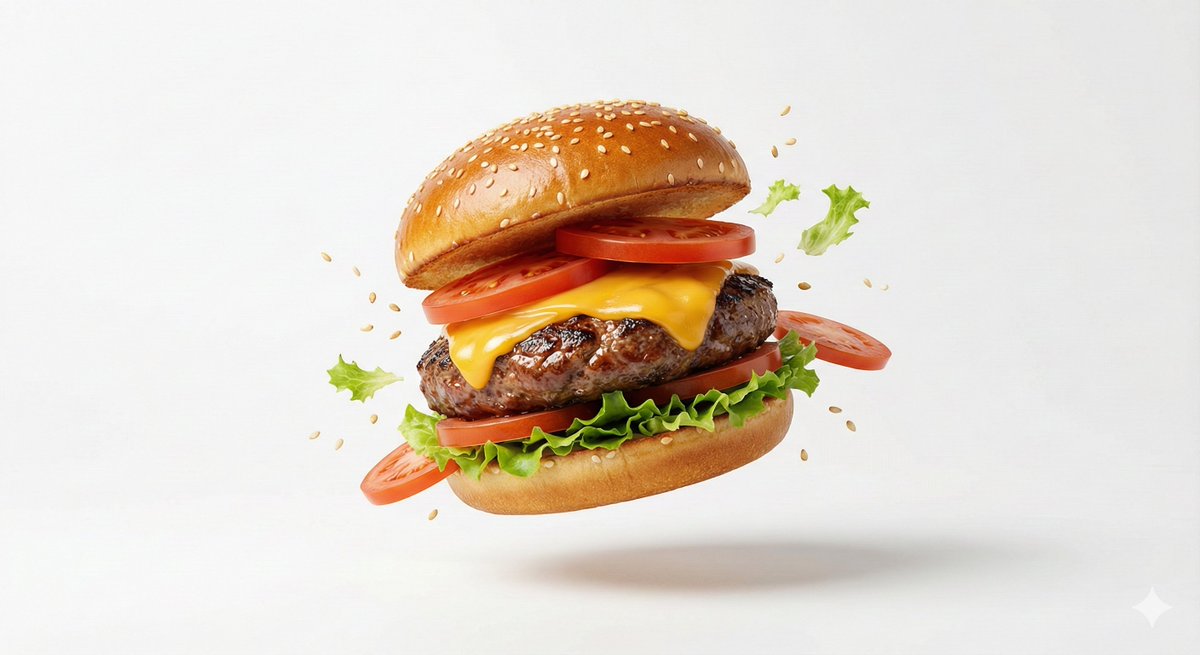

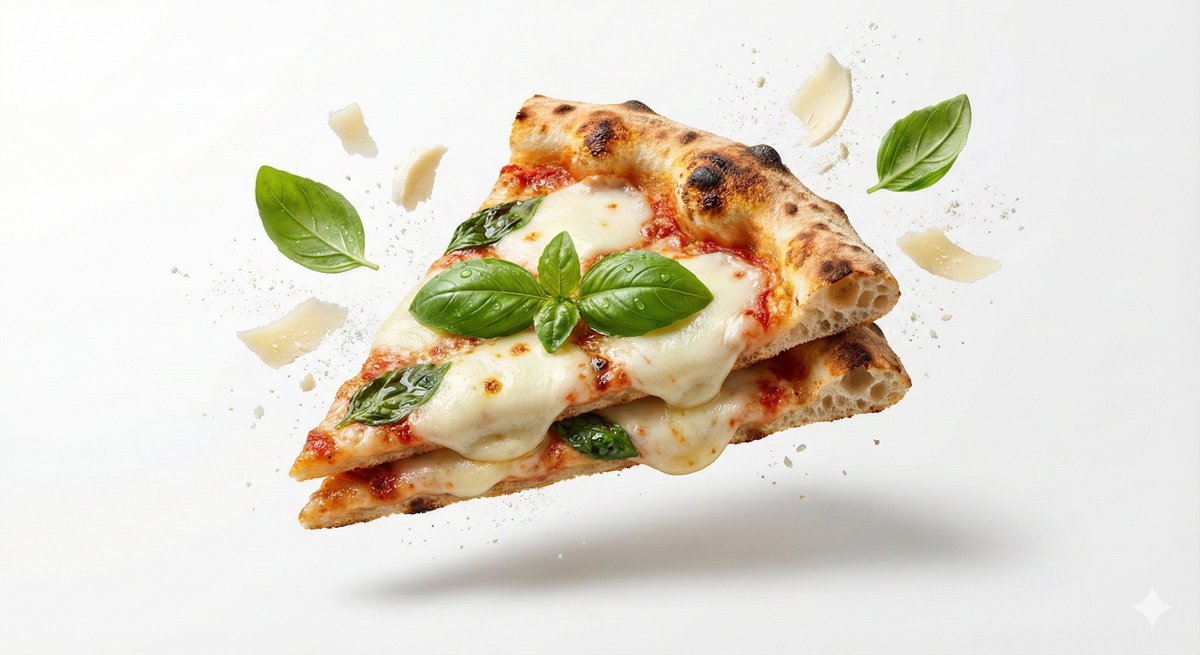
The key was to focus on soft directional highlights that emphasize the form and freshness of the food, all set against a white seamless background. The subtle levitation effect added a dynamic depth that made the composition pop without cluttering the frame. I found that balancing crisp contact shadows with the floating elements grounded the image beautifully, creating a natural yet editorial-grade look.
Using the AI art creator, I adjusted the prompt to ensure the macro product photography style was respected, mimicking a 100mm lens aesthetic with an f/8 aperture for full sharpness. This brought out every tiny detail, from surface textures to natural imperfections, which often get lost in typical food shots. The ultra-high 8K resolution made the final image feel luxurious and commercial-ready.
What surprised me most was how well the AI handled the minimalistic layout, keeping the visual focus razor-sharp on the hero product while gently suspending garnishes mid-air. It required a few prompt adjustments to keep the composition clean and intentional, avoiding any visual noise.
For anyone looking to elevate their food photography or create stunning hero shots for branding, this approach shows how combining thoughtful AI prompts with a clear vision can yield impressive results. If you want to explore this further, I recommend checking out an AI image generator and experimenting with text to image techniques yourself.
You can find the full prompt here: ✨Prompt✨
Also, diving deeper into image generation and AI art creator tools can help refine your prompt adjustments and avoid common prompt mistakes that dilute the final image quality.