Bringing a Classroom Portrait to Life with AI
Recently, I experimented with the Google Gemini Nano banana Pro model to create an indoor classroom portrait that felt authentic and inviting. I wanted a three-quarter body shot of a confident educator standing beside a chalkboard, capturing the natural ambiance of a school environment.
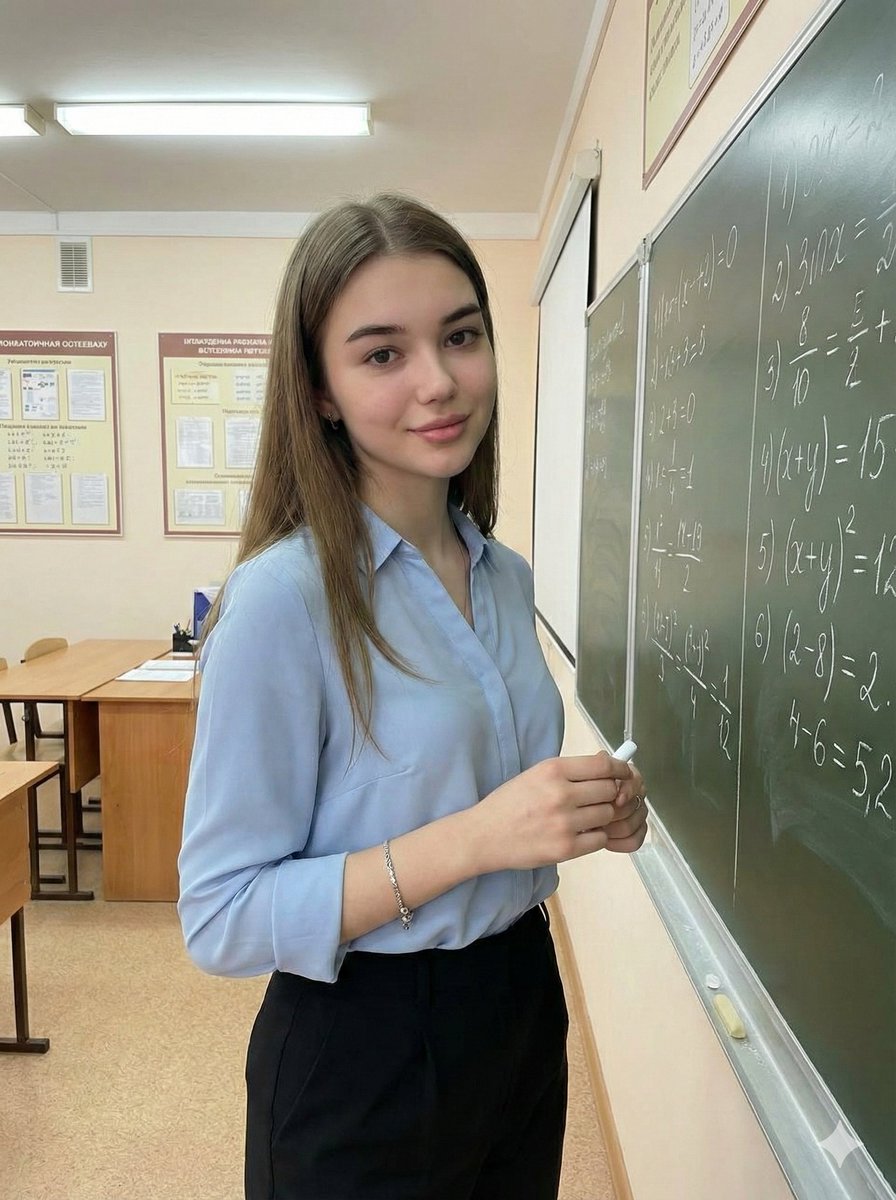
The AI prompt was thoughtfully crafted to preserve the subject’s original facial features while matching the reference closely. The lighting setup mimicked soft indoor fluorescent light with hints of natural classroom brightness, which made the skin tones look clean and realistic. The subtle shadows added depth without overpowering the calm, academic mood I was aiming for.
Details That Made the Image Pop
The subject’s pose—standing by the chalkboard holding chalk with a soft smile—felt composed and approachable. Long, loose light brown waves and a professional, modest outfit (a light blue blouse paired with tailored trousers) contributed to the modern classroom aesthetic. Minimal jewelry kept the focus on the subject’s expression and posture.
The background was detailed with handwritten chalkboard text, bulletin boards, desks, and educational posters, creating an organized yet lively academic environment. The AI’s ability to blur the background just enough helped keep attention on the subject while still conveying context.
Lessons and Tips from This Project
- Prompt adjustments: Specifying lighting and environment details is key to achieving a realistic classroom vibe.
- Focus on textures: Natural skin texture and soft shadows add authenticity to portraits.
- Avoid clutter: Keeping accessories minimal ensures the subject remains the focal point.
This experience showed me how powerful text to image tools can be when paired with thoughtful prompts. If you’re looking to create engaging educational portraits or any professional environment visuals, this approach can save time while delivering high-quality results.
You can find the full prompt here: ✨Prompt✨
For more inspiration, check out AI image generator, text to image, and AI art creator resources to refine your image generation skills.