Bringing a Portrait to Life with 3D Caricature
Recently, I tried something fresh with AI image generation—transforming a simple portrait into a highly stylized 3D caricature. The goal was to capture expressive facial features through playful exaggeration, turning an ordinary image into a vibrant character bursting with charm.
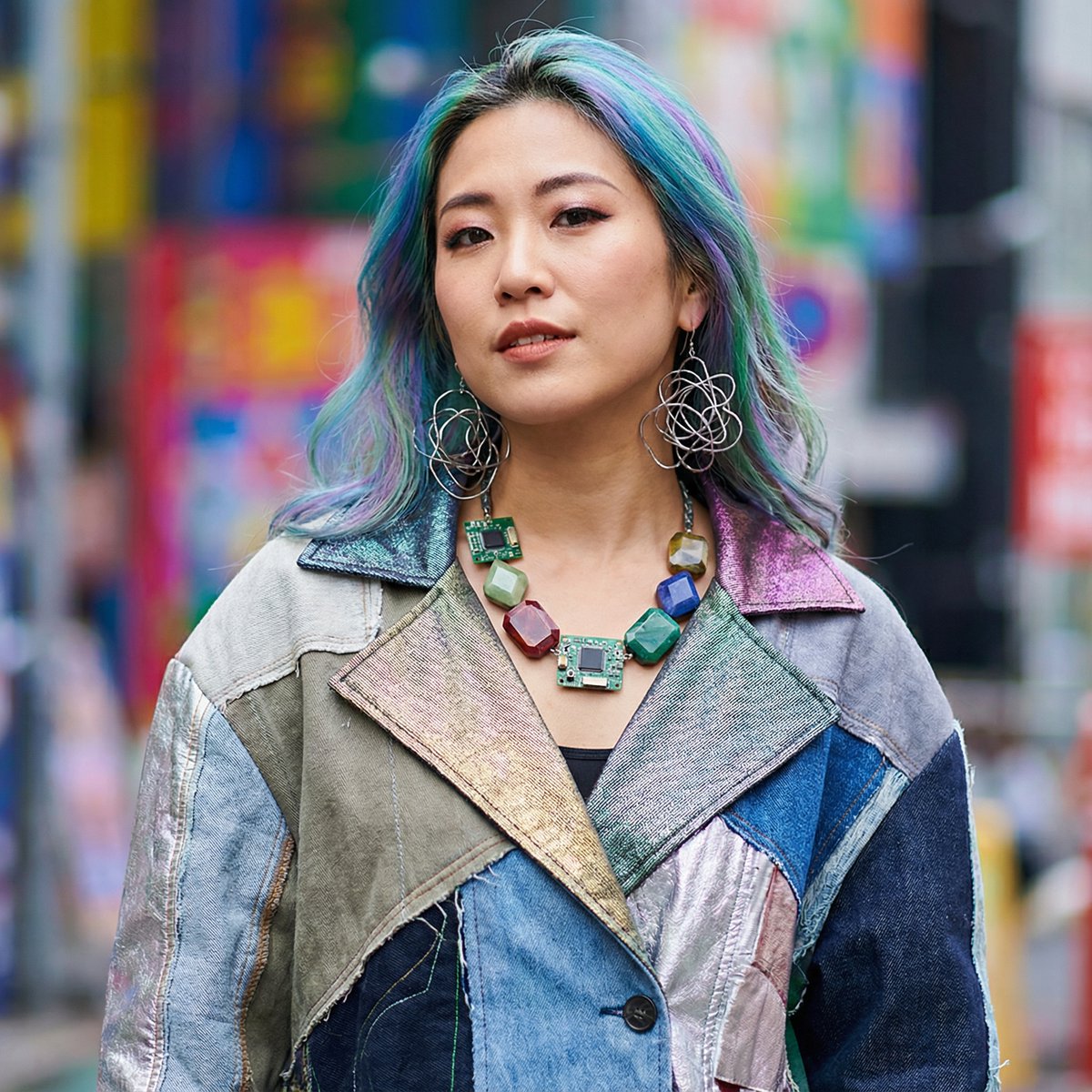
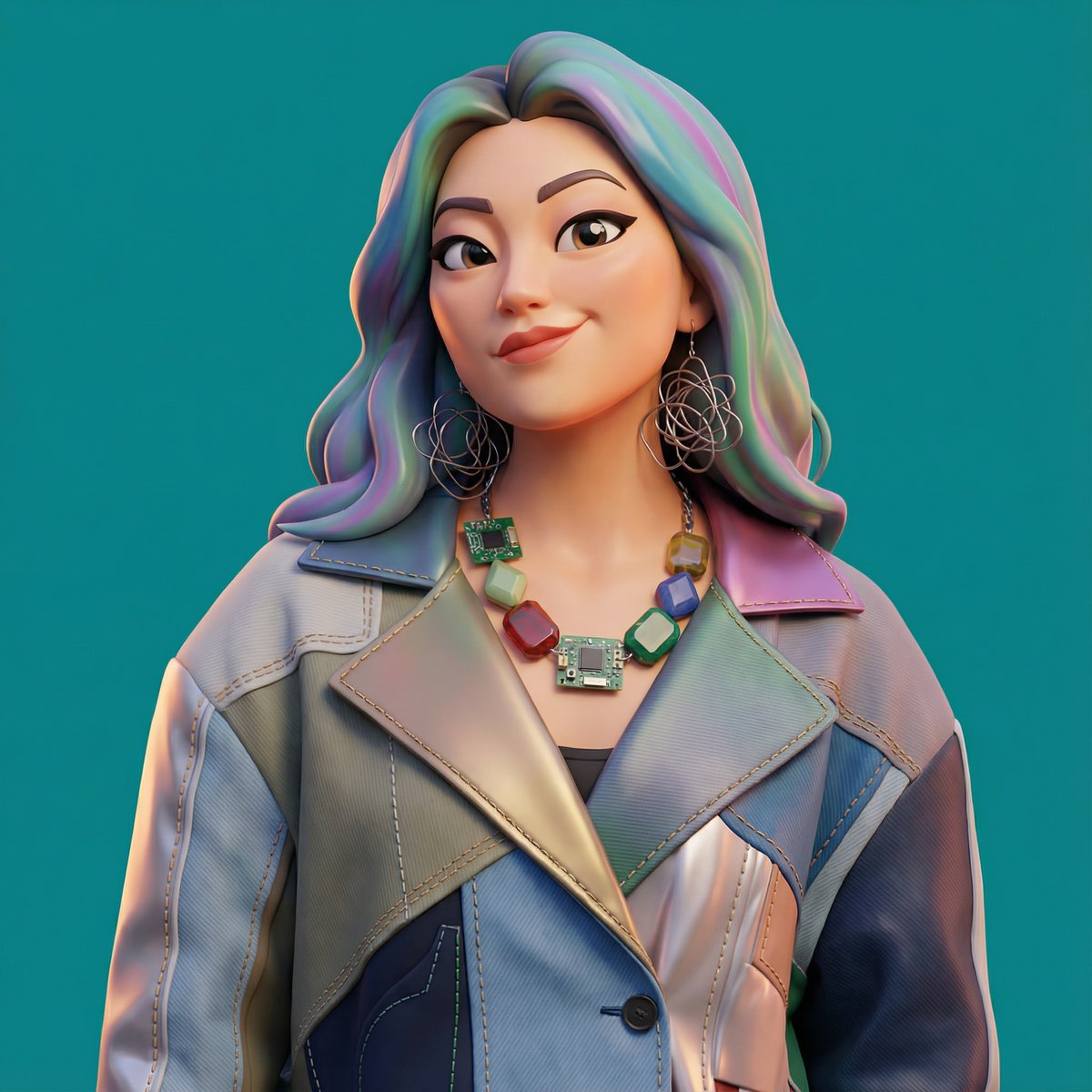
The magic happened by focusing on smooth, polished rendering. Using clean materials and soft ambient lighting gave the caricature a refined look, making every exaggerated detail feel intentional rather than overdone. The bold color background was a game-changer—it instantly amplified the personality and made the character’s presence undeniable.
What I learned about text to image techniques is that prompt adjustments can dramatically affect the outcome. For example, emphasizing "clean materials" and "soft ambient lighting" helped avoid the overly harsh or cluttered visuals that sometimes come with 3D styles. It’s a delicate balance between exaggeration and polish.
One common prompt mistake creators make is neglecting the background’s role. Here, the bold color backdrop wasn’t just eye-catching; it anchored the caricature’s energy and made the entire image cohesive. This is a subtle tip for anyone using AI art creators to experiment with portraiture.
Exploring this style deepened my appreciation for how AI prompt nuances can shape visual storytelling. If you’re curious about turning images into playful yet elegant caricatures, I highly recommend tweaking your prompt to highlight expressive features and lighting mood.
You can find the full prompt here: ✨Prompt✨
For more inspiration, check out AI image generator tools that make creating stylish 3D visuals accessible and fun.