The Allure of Liquid Gloss Logos
Recently, I dove into designing a logo inspired by thick, flowing liquid gloss — the kind you’d expect to see on high-end cosmetic brands. The idea was to evoke a sense of luxury and sophistication, using smooth curves and a high-shine surface that almost feels tactile. This wasn’t about flat graphics; it was about capturing a moment frozen in motion, where the viscous liquid seems to drip elegantly yet remains perfectly poised.
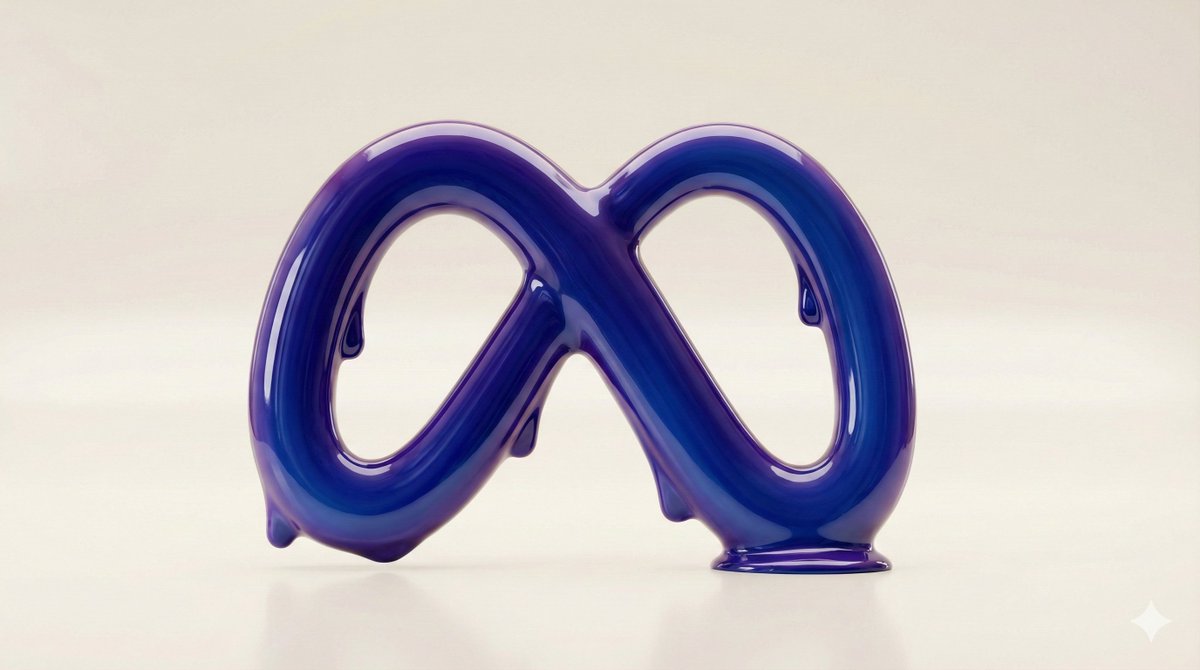
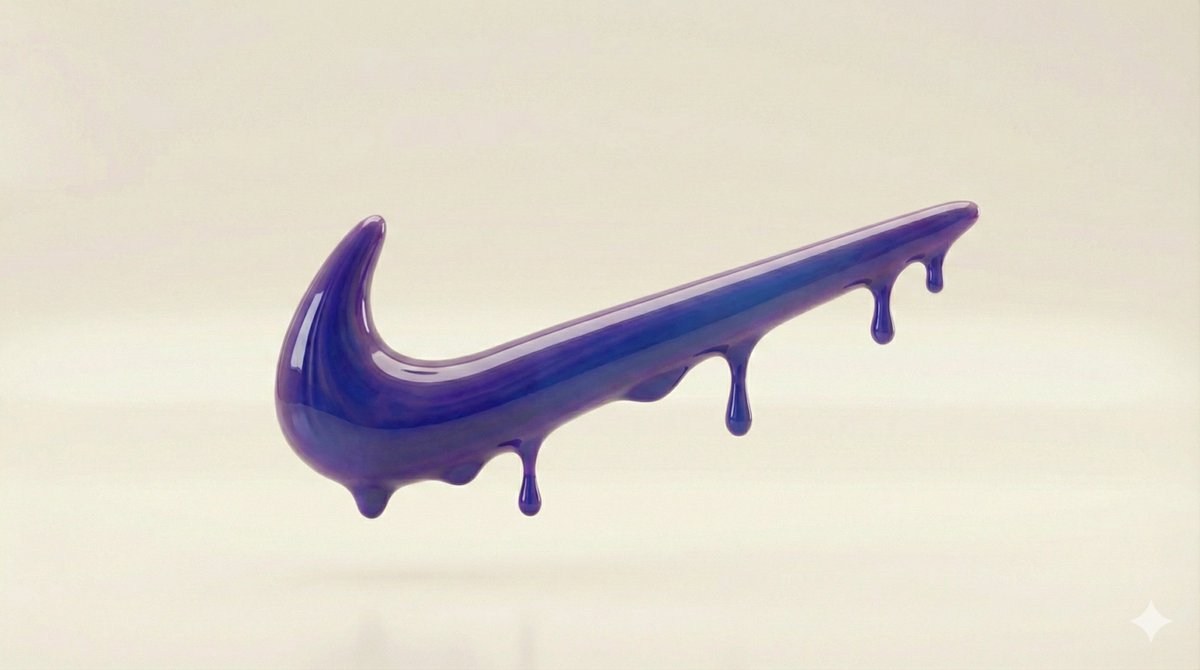
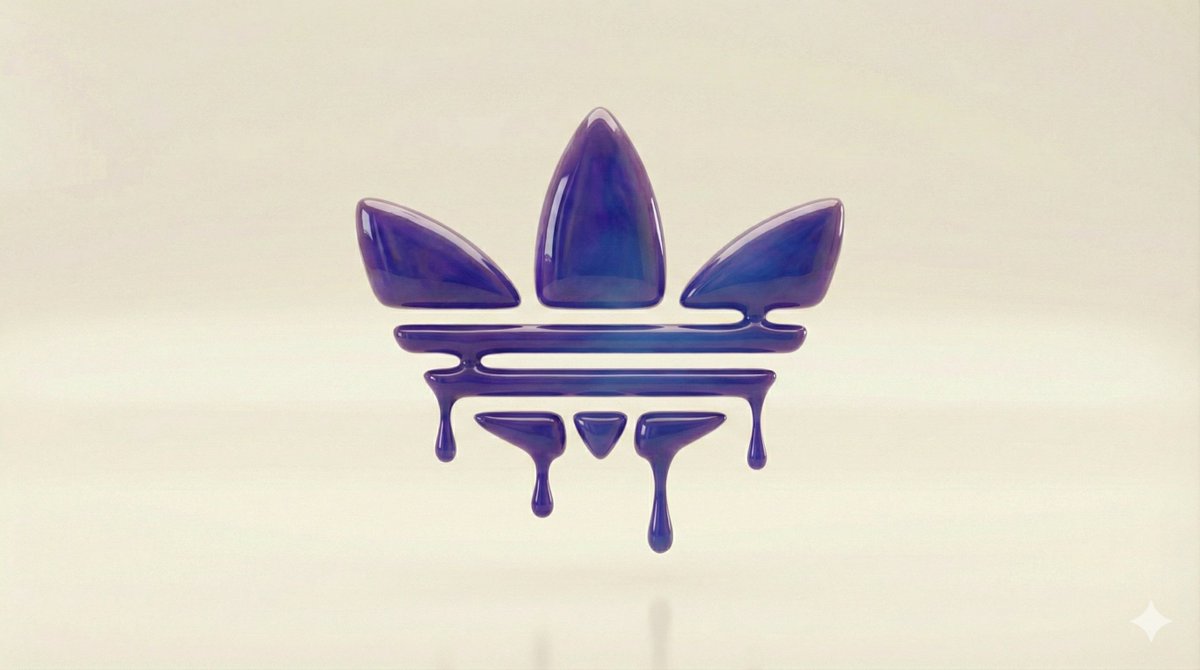
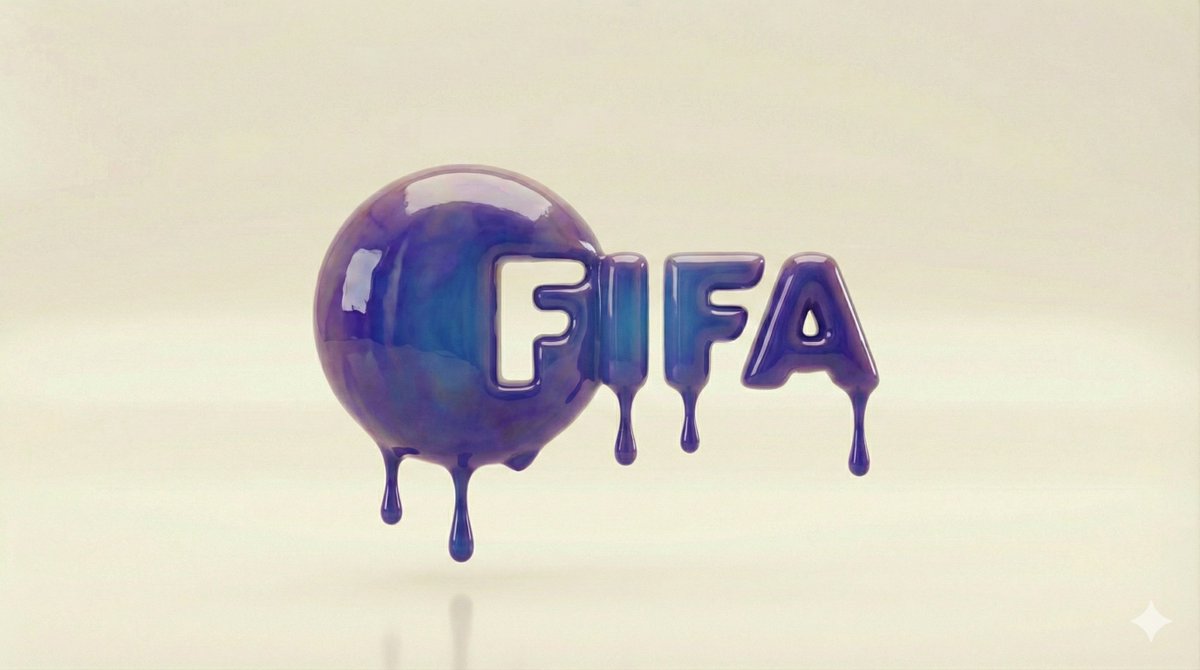
What struck me instantly was how the reflective highlights and studio-style lighting made the logo pop. It wasn’t just about the shape but how light interacts with the surface, creating a dynamic yet minimal background that lets the brand name take center stage.
Visual Details That Made the Difference
The thick, glossy texture gave the letters a weight and presence that typical logos often lack. I played with subtle drips and smooth transitions between curves to bring fluidity and life to the design. The challenge was to keep it minimal enough to avoid clutter but rich enough to feel indulgent and premium.
It also helped to think like a photographer—lighting the logo as if it were a physical object in a studio. This approach brought out the depth and glossiness, making it feel tangible and luxurious.
Practical Insights for Fellow Creators
- When working on liquid gloss logos, focus on how light reflects off surfaces. Highlights and shadows are key.
- Keep the background minimal to maintain a luxury aesthetic without distractions.
- Use subtle viscosity effects like drips to suggest movement without overwhelming the design.
- Adjust your AI prompt to emphasize “high-shine surface” and “smooth curves” for best results.
Text to Image tools are a game changer for visual experimentation like this. By refining the AI prompt, I could quickly iterate on different gloss effects and lighting setups until the perfect balance was found.
You can find the full prompt here: ✨Prompt✨
For more inspiration on how to elevate your brand visuals using AI, check out these resources on AI image generator, text to image, and AI art creator.