Diving into Blueprint-Style Character Concept Sheets
As a content creator who constantly experiments with AI-powered visual tools, I recently challenged myself to generate a character concept sheet that feels both technical and artistic. The idea was to showcase a fictional character from multiple angles — front, back, and side — with close-up sketches emphasizing facial features and accessories. I wanted the final image to feel like a professional blueprint, complete with glowing trims and a clean layout.

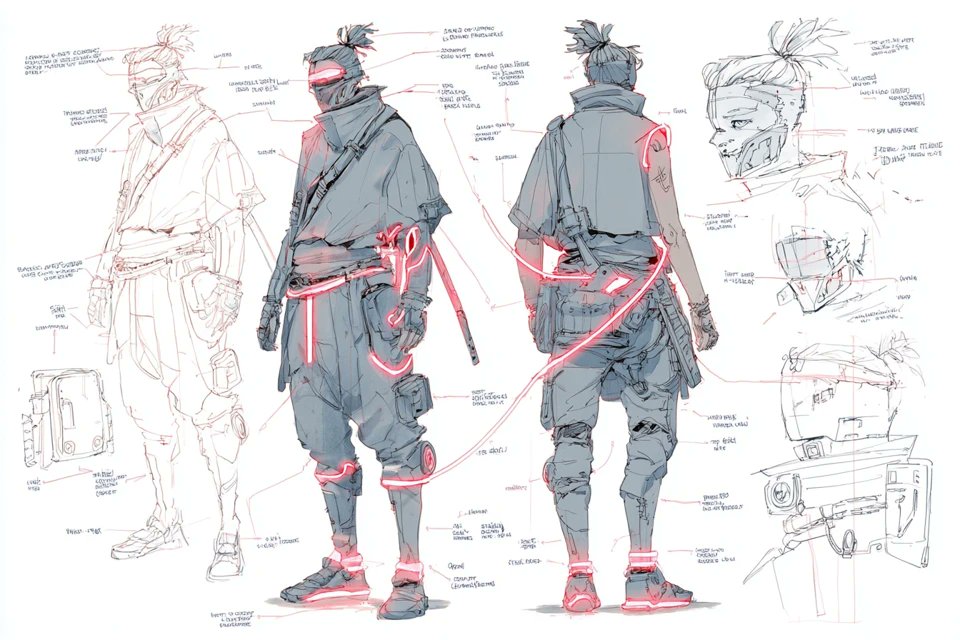
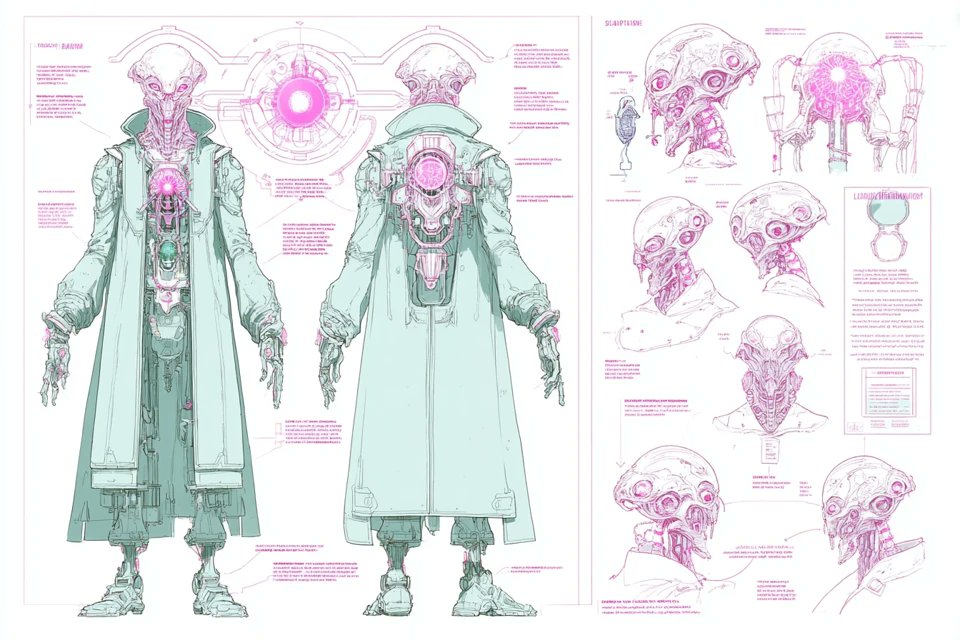
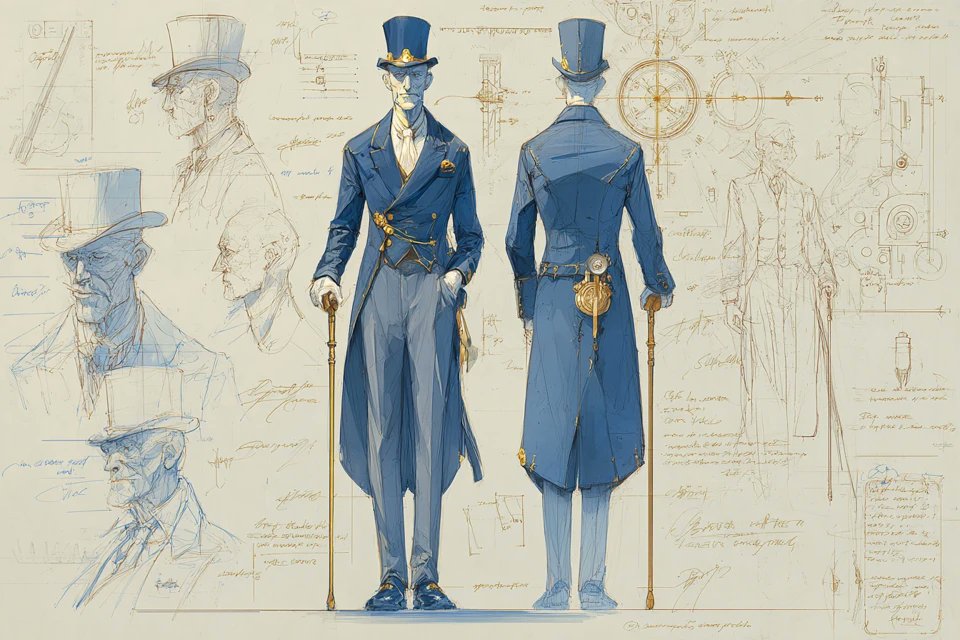
The concept sheet prompt I used was designed to highlight every detail: the character’s silhouette, intricate accessory designs, and even labeled components that explain each part’s function or inspiration. Using a glowing trim color (I chose electric blue) contrasted against a darker base structure (deep charcoal gray) gave the illustration a futuristic, almost holographic feel. The white background helped everything pop clearly, making the annotations easy to read.
What really stood out to me was how this style made the character feel more tangible and thoughtfully constructed. It’s one thing to draw a character casually, but presenting them as a blueprint invites viewers to appreciate the design choices and craftsmanship behind every element.
One tip I learned during this process is how important prompt specificity is. Including details like "front, back, and side views" and "annotated design notes" ensures the AI generates a comprehensive layout that doesn’t miss critical angles or explanations. Also, choosing contrasting colors for the glowing trims and base structure helps avoid a flat look and adds depth.
Of course, some trial and error was involved. Initially, the glowing trims were too faint, and the annotations overlapped awkwardly. Adjusting the prompt to emphasize "clear labels" and "glowing trim in [color1]" fixed those issues nicely.
This approach to character design has transformed how I visualize and communicate my creations. If you’re into character art or world-building, trying a blueprint-style concept sheet with AI image generation can really elevate your work.
You can find the full prompt here: ✨Prompt✨
For those curious about the tools behind this, I highly recommend exploring AI image generator platforms that specialize in detailed, multi-angle concept art. They often provide features perfect for creating professional-looking sheets with precise annotations.
Exploring this style also deepened my understanding of text to image techniques, especially how prompt adjustments can fine-tune complex visual outputs like labeled blueprints. It’s definitely a creative way to push your design boundaries.
Whether you’re a hobbyist or a professional, integrating blueprint-style concept sheets into your workflow can clarify your characters’ design intentions and impress stakeholders or fans alike. It’s a blend of art and information that feels satisfying to create and share.
If you want to experiment further, check out resources on AI art creator tools and image generation tips to refine your prompt crafting skills. The more you tweak, the closer your vision comes to life.