Discovering the Art of Close-Up Hand Product Photography with AI
Recently, I dove into creating ultra-realistic AI-generated images focusing on a woman's hand elegantly showcasing various minimalist products. The prompt I used was incredibly specific—detailing everything from the delicate, slender fingers and their refined square-rounded nails with a sheer nude pink polish, to the subtle pearl sheen on the fingertips. This level of detail brought a surprising depth of realism and sophistication to the images.
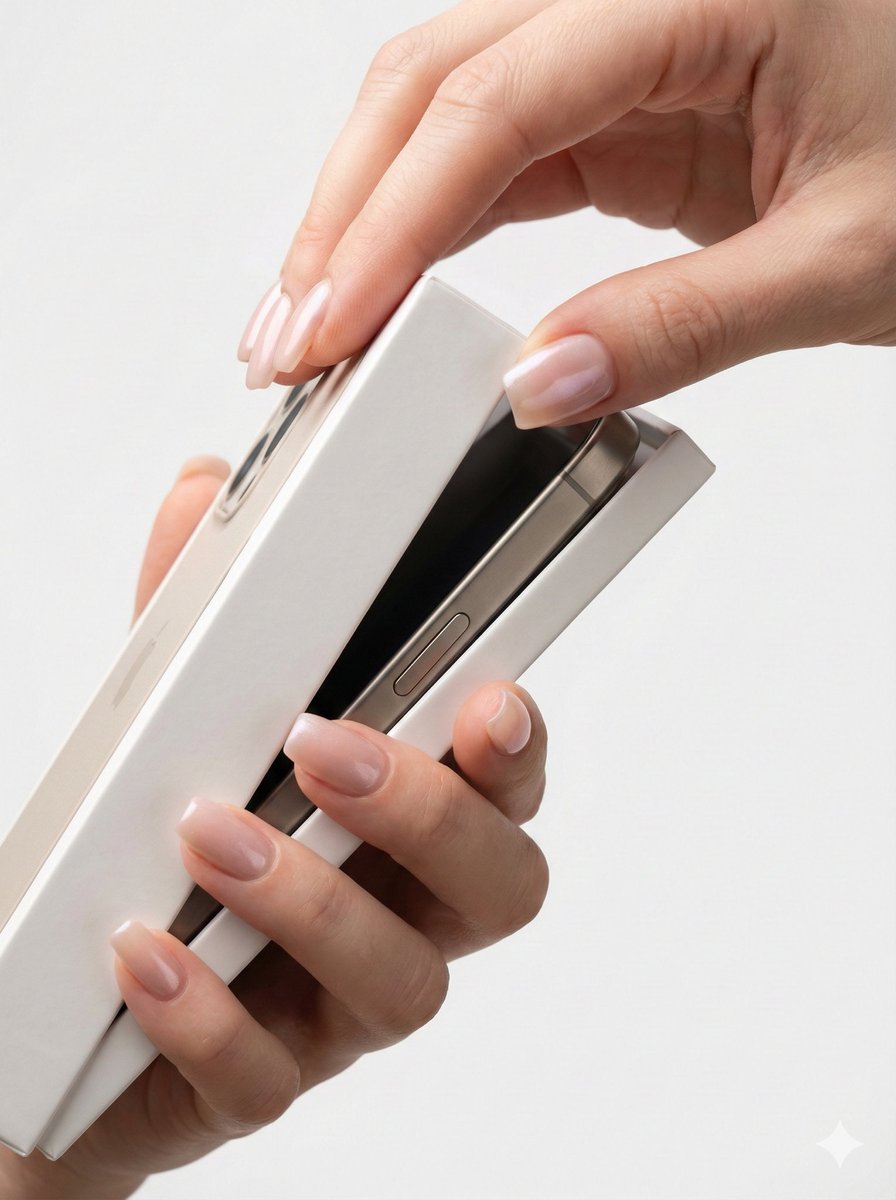
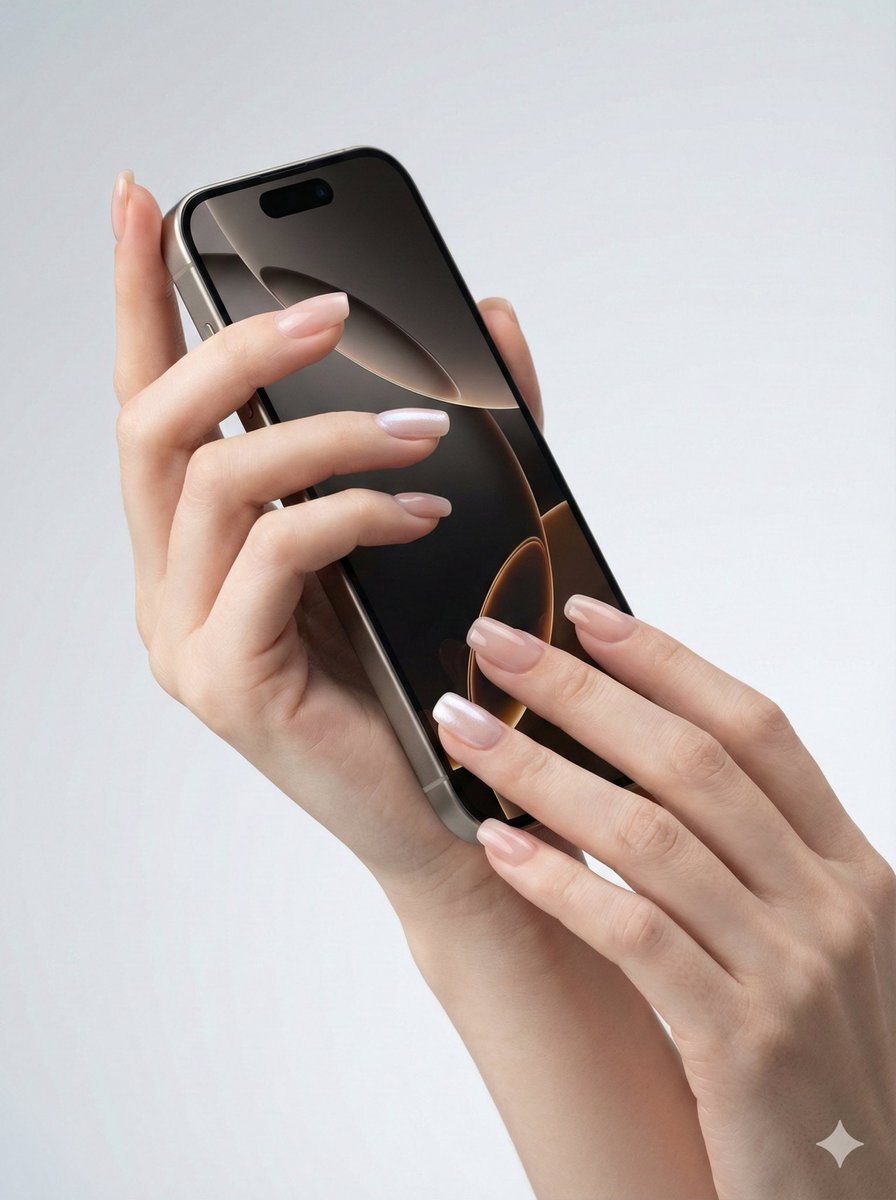
By instructing the AI to capture the hand naturally holding or interacting with products like a matte black wireless Bluetooth earbuds charging case or a rose gold metal lipstick, the images conveyed a fluid, effortless grace. The key was in the natural finger positioning and the soft sidelight that emphasized the skin texture and the premium materials of the products. The clean, minimalist backgrounds—such as soft white studio setups or light gray gradients—helped maintain focus on the hand-product interaction without distractions.
What stood out most was the prompt’s demand for 8K ultra-high definition and photographic realism. This ensured every tiny detail, from the skin’s jade-like fairness to the product’s sleek surface, was captured flawlessly without any distortion or unnatural deformation. The images looked like professional product photography that could easily be used in high-end marketing campaigns.
This experience taught me valuable image generation tips—especially how crucial it is to balance descriptive precision with natural movement. Overly rigid finger poses can feel unnatural, while too vague prompts produce generic results. The prompt adjustments emphasizing natural slanting light and soft sidelight made the hand and product materials pop, adding a tactile quality that really sells the product’s premium feel.
For creators wondering how to use prompt details effectively, this approach is a great example. It’s about layering specifics on anatomy, product interaction, lighting, and background to guide the AI towards a cohesive, realistic output. It also highlights common prompt mistakes like neglecting natural hand poses or ignoring lighting effects, which can break immersion.
You can find the full prompt here: ✨Prompt✨
For those interested in exploring this style, check out these tools: AI image generator, text to image, and AI art creator. They make experimenting with such detailed prompts accessible and fun.