Discovering the Magic Behind Ana de Armas Inspired AI Portraits
Recently, I dived into an AI image prompt designed to create hyper-realistic 8K portraits with precision so fine it felt like bringing Ana de Armas to life digitally. The prompt intricately outlines facial features down to hazel-green iris textures, natural skin details like faint freckles and pores, and even the subtle sheen of a nude pink matte lip. The level of detail in the dermal surface, using sub-surface scattering to mimic real skin glow, genuinely elevated the image quality.
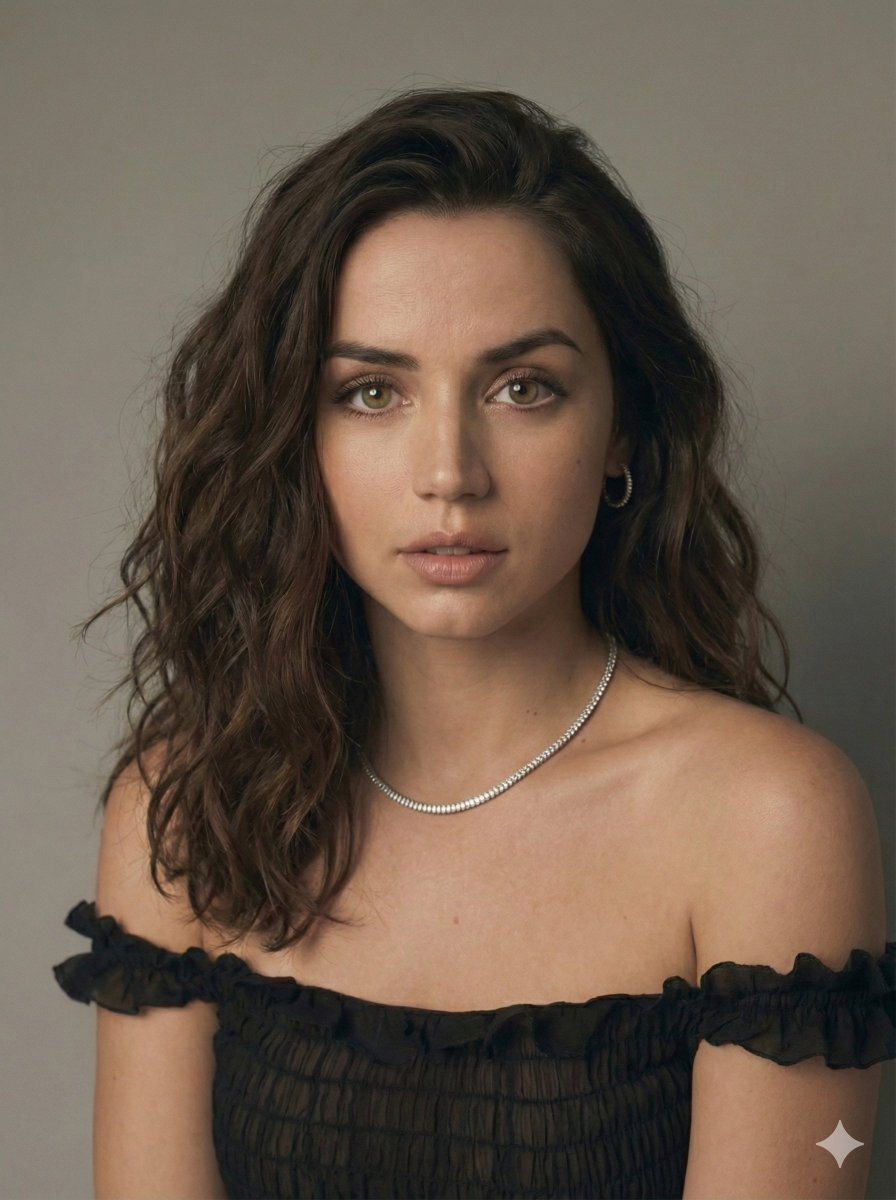
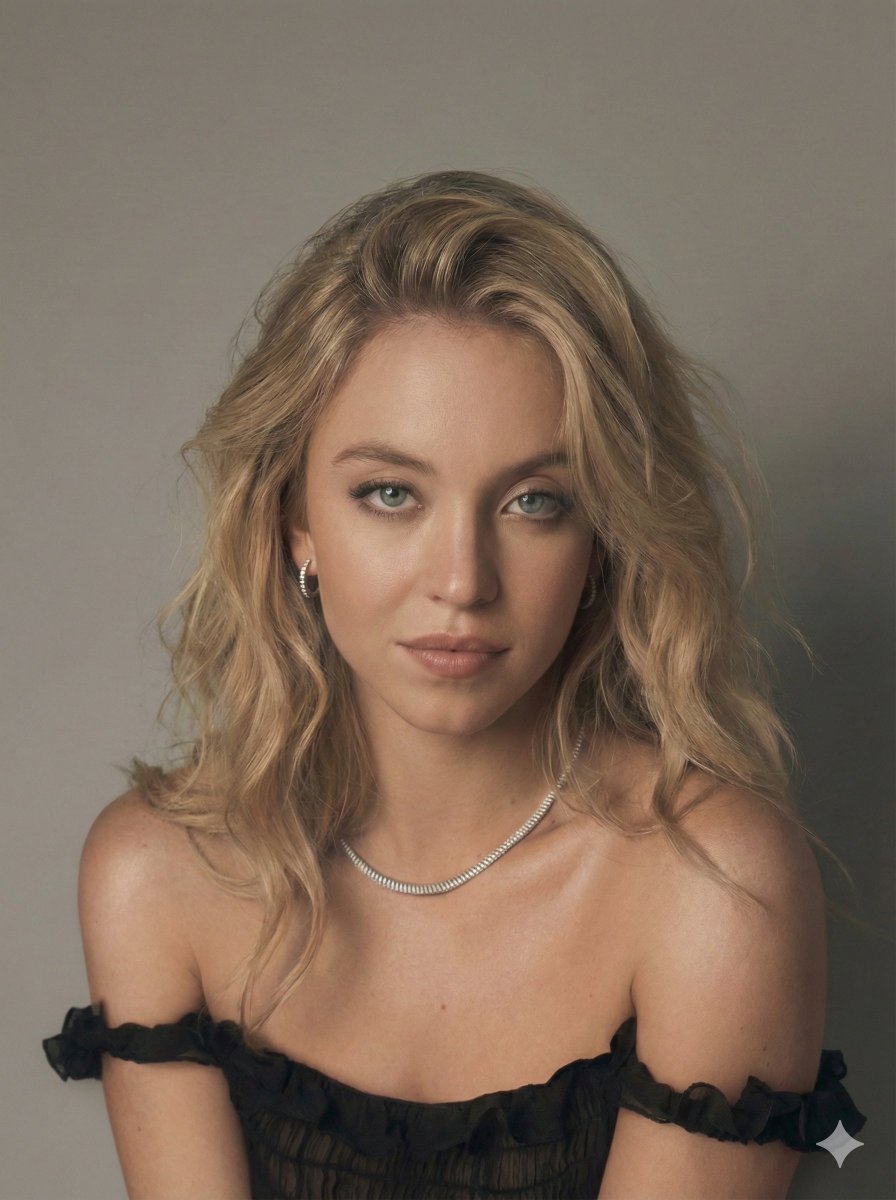
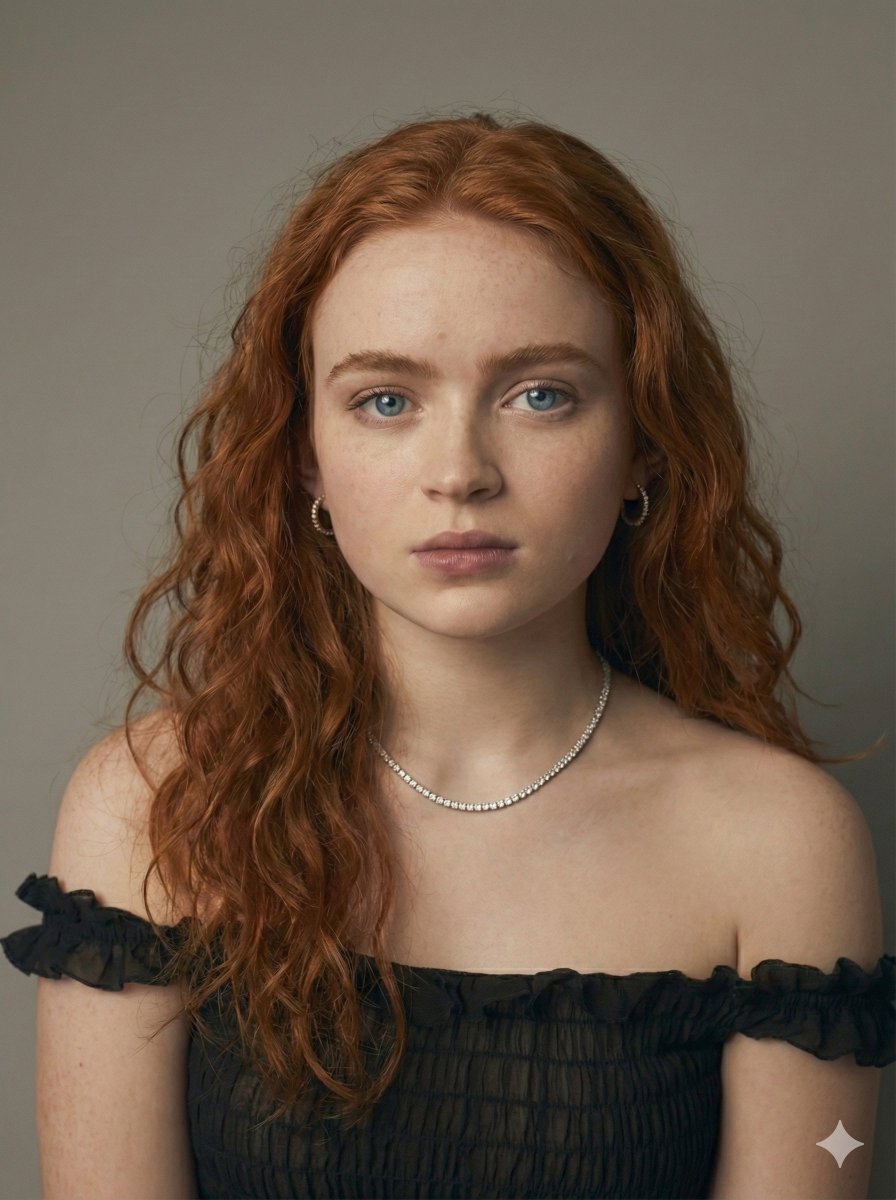
The model’s pose, an off-the-shoulder stance with a gentle 15-degree head tilt, exudes calm confidence and allure. Styling with a sheer midnight black silk chiffon top featuring ruffled edges added a delicate texture that contrasted beautifully with the softly contoured jawline and voluminous dark mahogany wavy hair swept back with realistic flyaways. Accessories like a single strand diamond tennis necklace and diamond huggie hoops sparkle subtly thanks to raytraced refraction—a tiny detail that makes a big difference.
Lighting played a huge role: a 4-foot Octabank softbox positioned 45 degrees left created soft, diffused highlights, while a white bounce card on the camera’s right balanced shadows perfectly. The seamless grey cyclorama backdrop with smooth gradient falloff kept the focus on the subject without distractions. Using a Sony A7R IV paired with the 85mm f/1.4 lens set at f/1.8 allowed for creamy bokeh and razor-sharp focus on the lead eye, which is essential for portraits that draw you in.
What surprised me was how the prompt’s emphasis on natural beauty—like the "no-makeup" look with dewy, luminous skin and softly matte lips—resulted in portraits that felt intimate and authentic, not overly retouched or artificial. The high-end editorial color grading and optical sharpening maintained the cinematic quality without losing the softness.
Prompt Tips & Insights
- Fine-tune iris details and eye catchlights to add life to the gaze.
- Use sub-surface scattering to replicate realistic skin light diffusion.
- Keep lighting soft and directional for natural shadows and highlights.
- Balance texture and smoothness in post-processing to avoid over-sharpening.
- Choose accessories with reflective qualities to enhance visual interest subtly.
Experimenting with this prompt gave me new appreciation for how AI can mimic fine artistic nuances in portraiture. If you’re exploring text to image workflows for fashion or editorial style portraits, this approach is a game changer. The key is balancing precision with softness and embracing imperfections like pores and flyaways which make the image feel alive.
You can find the full prompt here: ✨Prompt✨
For more inspiration on using AI for stunning visuals, check out these tools: AI image generator, text to image, and AI art creator.